Workflows·7 分鐘閱讀
一張參考圖,套出無數版式:GPT Image 2 模板工作流
日曆、角色卡、產品頁、社群包——用一張參考圖套出整套實用版式。
模板思維
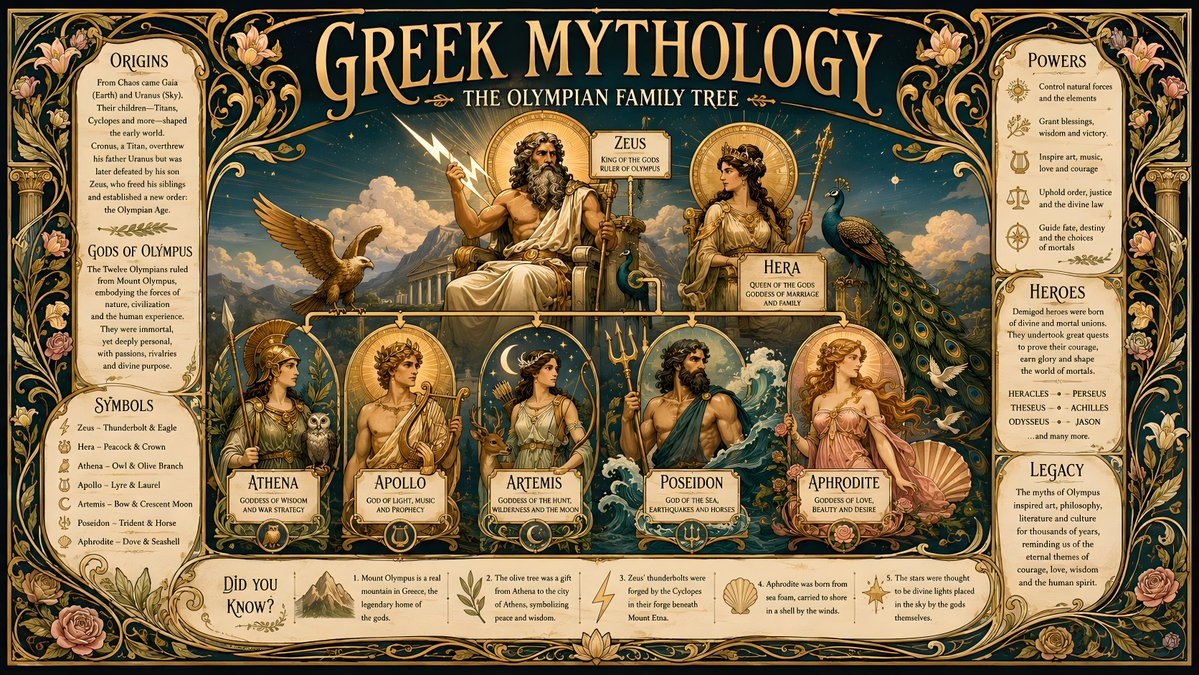
大多數人用參考圖來更換場景。更高槓桿的玩法是保留主體,在它周圍套上一個結構化版式——日曆、規格頁、資料卡。GPT Image 2 在結構化圖形版式上格外強,所以一張參考圖加上一份版式說明,一次就能產出看起來像成品的物料。
心智模型:參考圖提供身份,你的 prompt 提供模板。模板的幾何結構越清晰,輸出就越可用。
日曆與日期版式
一張參考照片可以變成主題化的月曆或年曆。要明確說明格式和網格,否則你會得到一張帶著模糊日期條的海報。
Use the provided reference photo to create a single-page desktop calendar for the year 2027. Format: A4 vertical. Keep the subject from the reference as the hero artwork at the top half. Bottom half: a clean 12-month mini-grid, readable month names, consistent typography, generous margins. Soft cohesive color palette drawn from the reference. No watermark.角色卡與資料卡
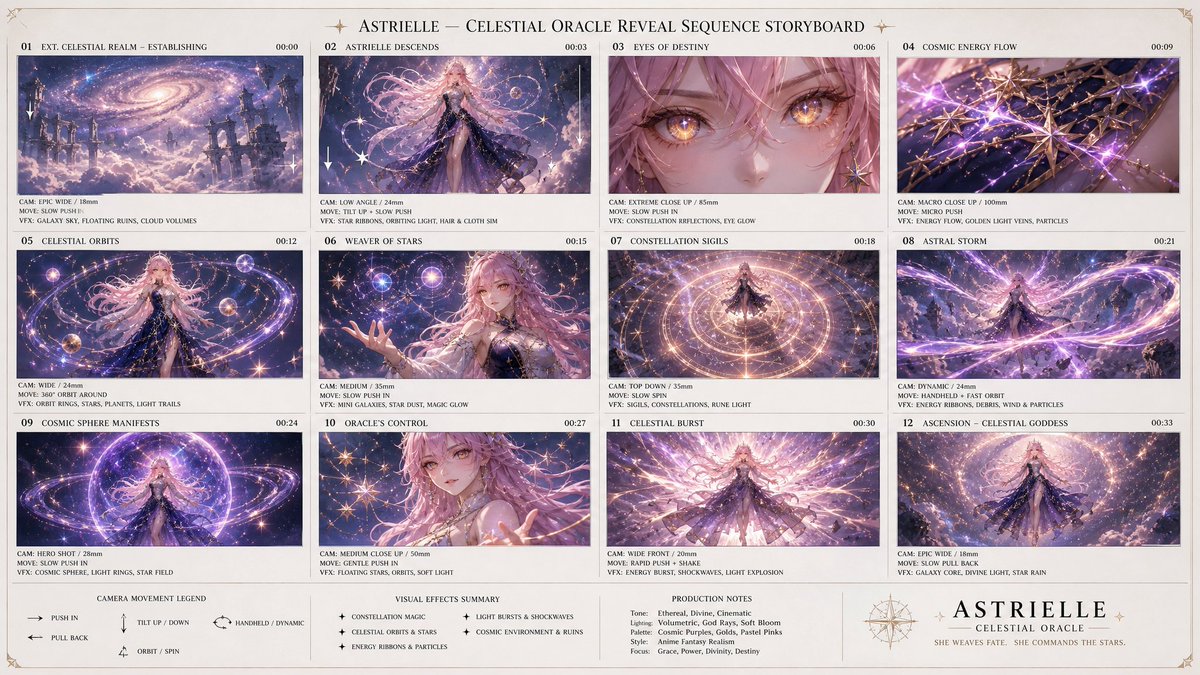
一張角色參考圖能變成遊戲風格的角色設定表,或帶數值的資料卡——在遊戲美術和頭像系統裡很受歡迎。
Using the provided character reference, build a character profile card. Keep the face, hair, and outfit 100% identical to the reference. Layout: large character portrait on the left; on the right a tidy info panel with labeled fields — Name, Age, Height, Role, and three short trait lines. Clean game-UI styling, consistent icon set, neutral background, no real brand logos.產品規格頁
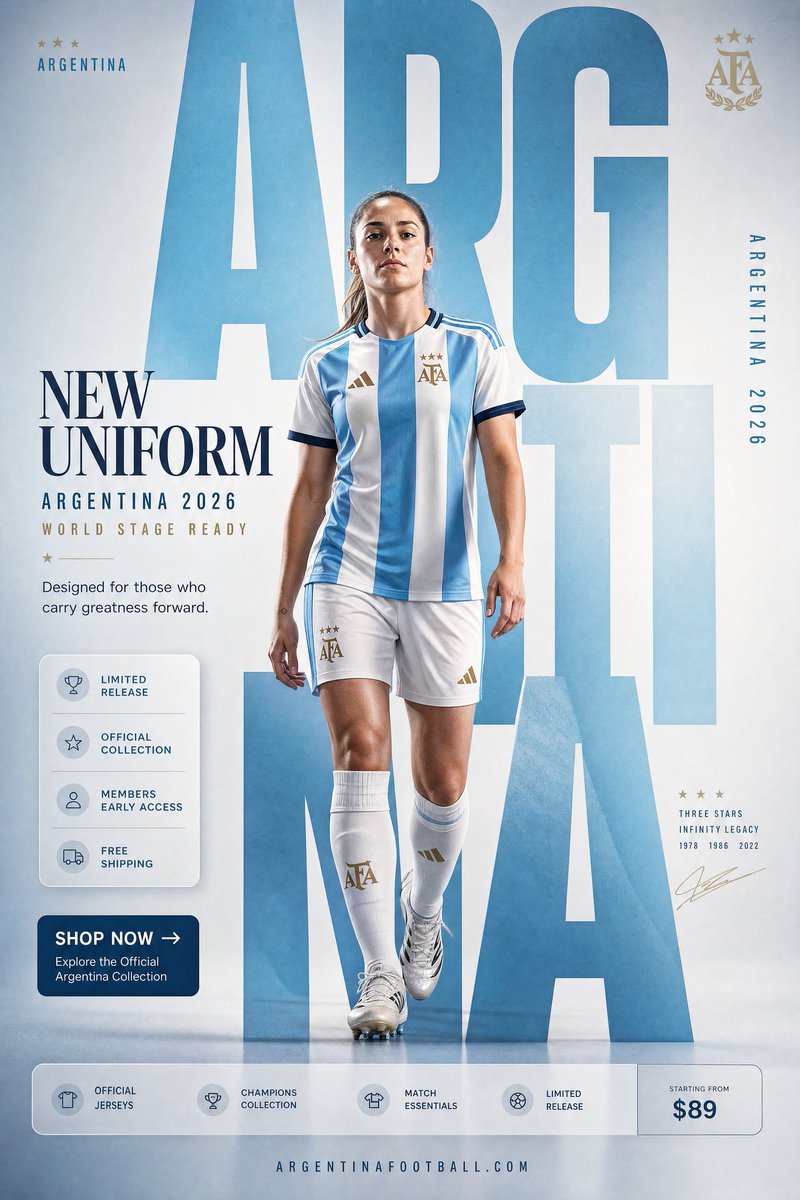
把一張產品照變成工業設計展示頁:在一塊條理清晰的版面上呈現多角度、多配色和細節標註。關鍵指令:鎖住產品,讓它保持可辨識。
Using the provided product photo, create an industrial-design presentation sheet. Keep the product identical (shape, proportions, label — do not redesign). Grid layout: top row of 3 detail macro shots, middle row of 3 colorway hero shots (matte black, white, accent), bottom a dynamic floating composition showing front and side profiles. Minimal neutral studio background, soft contact shadows, clean callout lines, premium product-photography aesthetic.社群物料包
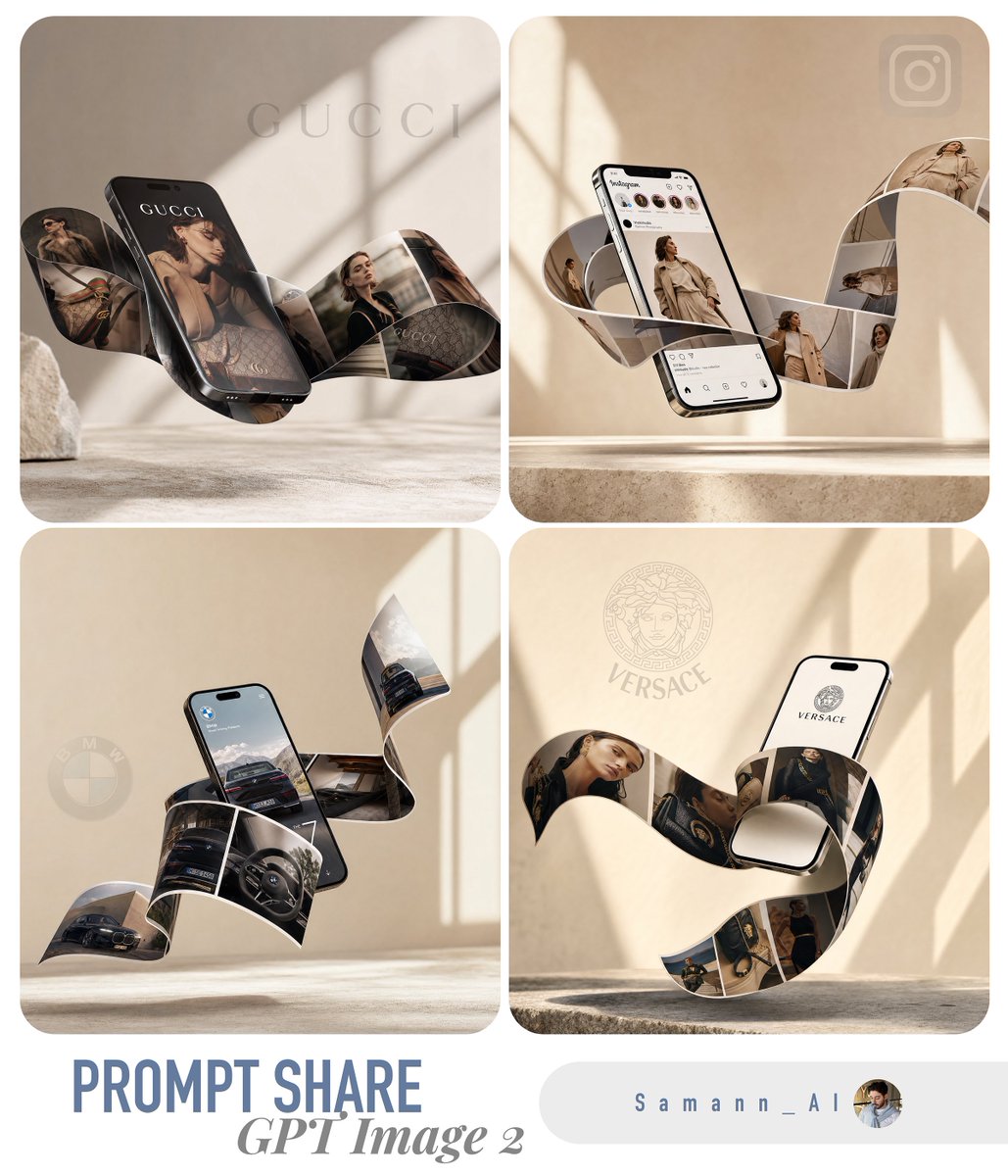
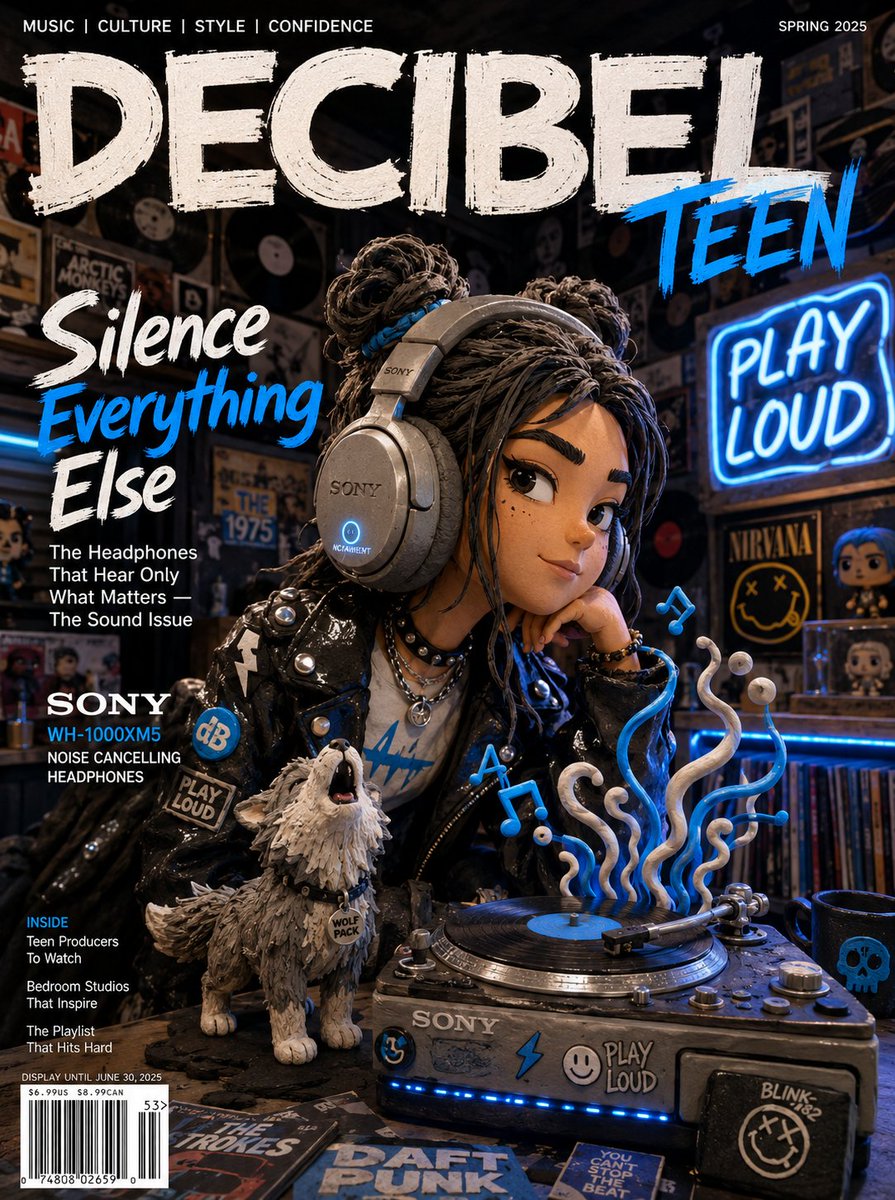
一張參考圖能生成一套協調的多格式物料——一則貼文、一個限時動態、一張橫幅——它們共享同一主體和處理方式,讓品牌在不同投放位上保持視覺一致。
Using the provided reference, produce a 3-up social media kit on one canvas: (1) a 1:1 feed post, (2) a 9:16 story frame, (3) a 16:9 banner. Same subject, same color grade, same typographic style across all three; only the crop and text placement change. Label each format with a small corner tag. Leave clear safe-area margins for platform UI.什麼會讓模板翻車
- 版式跑偏 → 寫明確切的格式和網格(A4 直版、12 個月迷你網格),而不只是「一份日曆」
- 產品被重新設計 → 任何產品模板都要加上「do not redesign or relabel」
- 文字亂碼 → 讓圖上文字簡短並明確放置;長段落渲染不穩定
- 密集版式中身份遺失 → 重複「identical to the reference」鎖定,並讓主元素保持大尺寸
- 整套不一致 → 在一個 prompt/一塊畫布裡生成多格式物料包,而不是分多次跑
Try these GPT Image 2 prompts