Eine Referenz, tausend Layouts: Template-Workflows in GPT Image 2
Kalender, Karten, Datenblätter, Social-Kits: ein ganzes Set aus einer Referenz.
Die Template-Denke
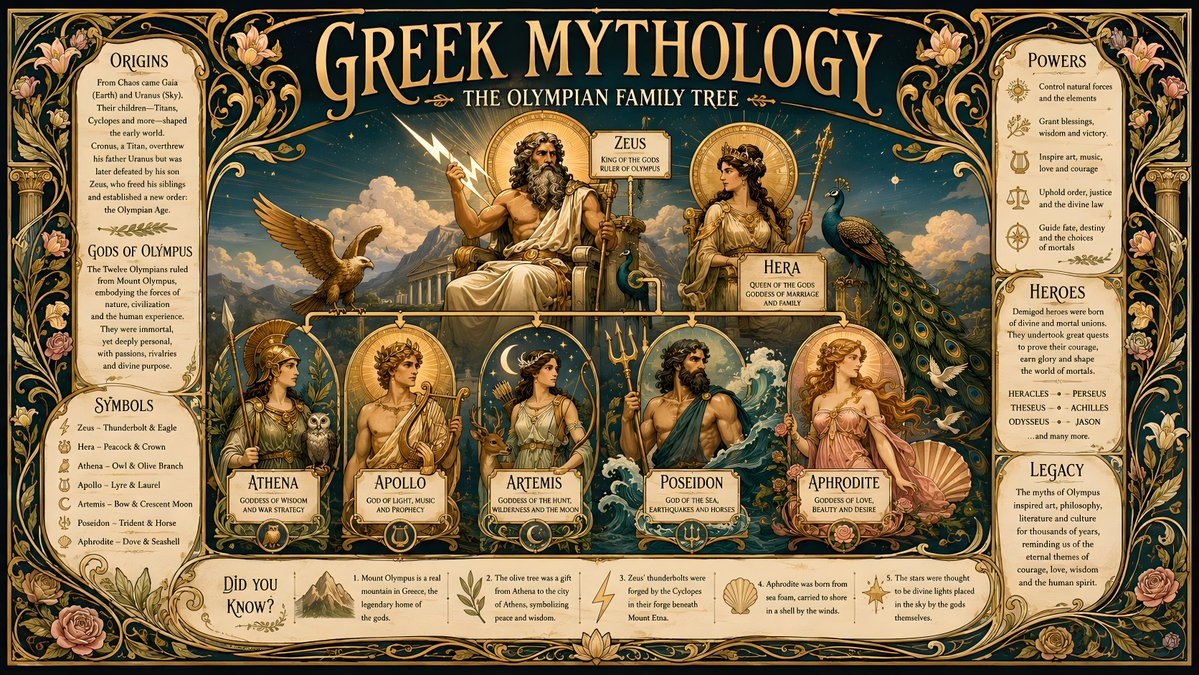
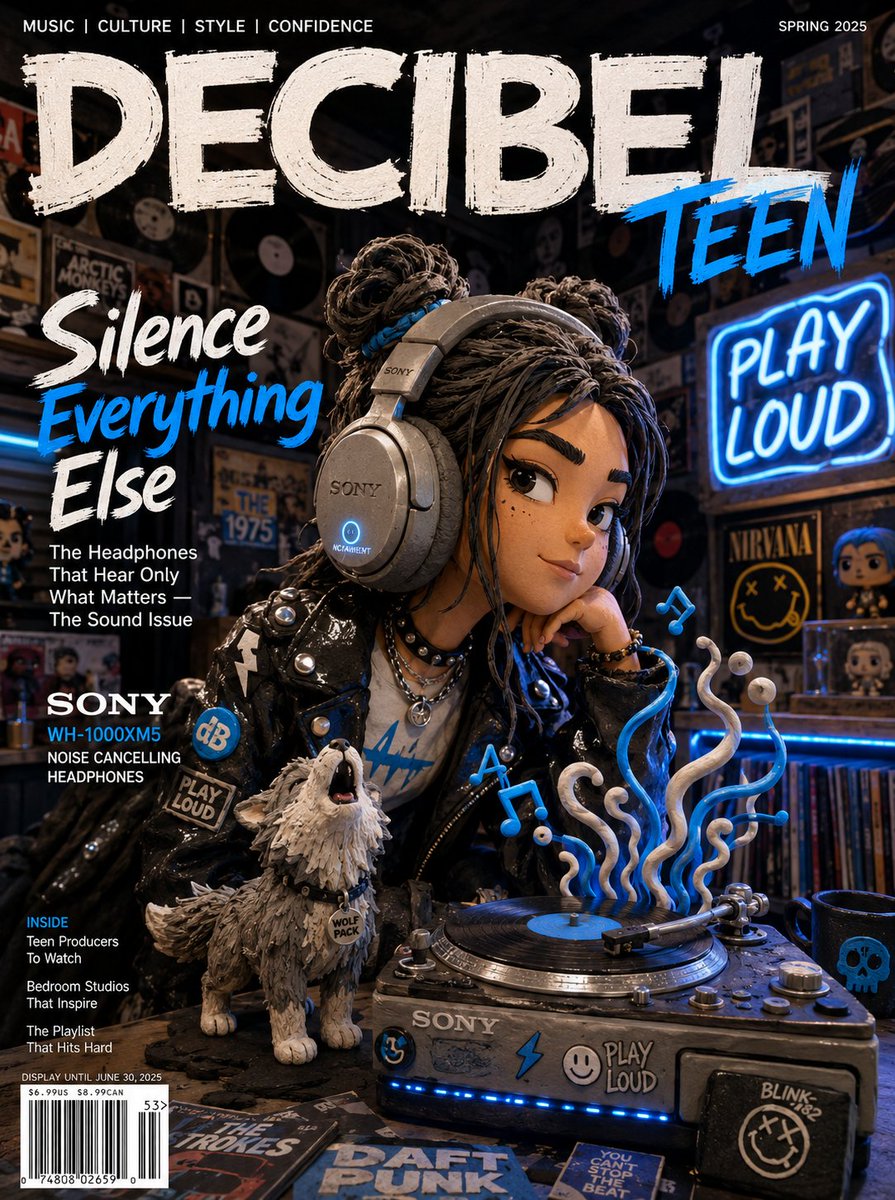
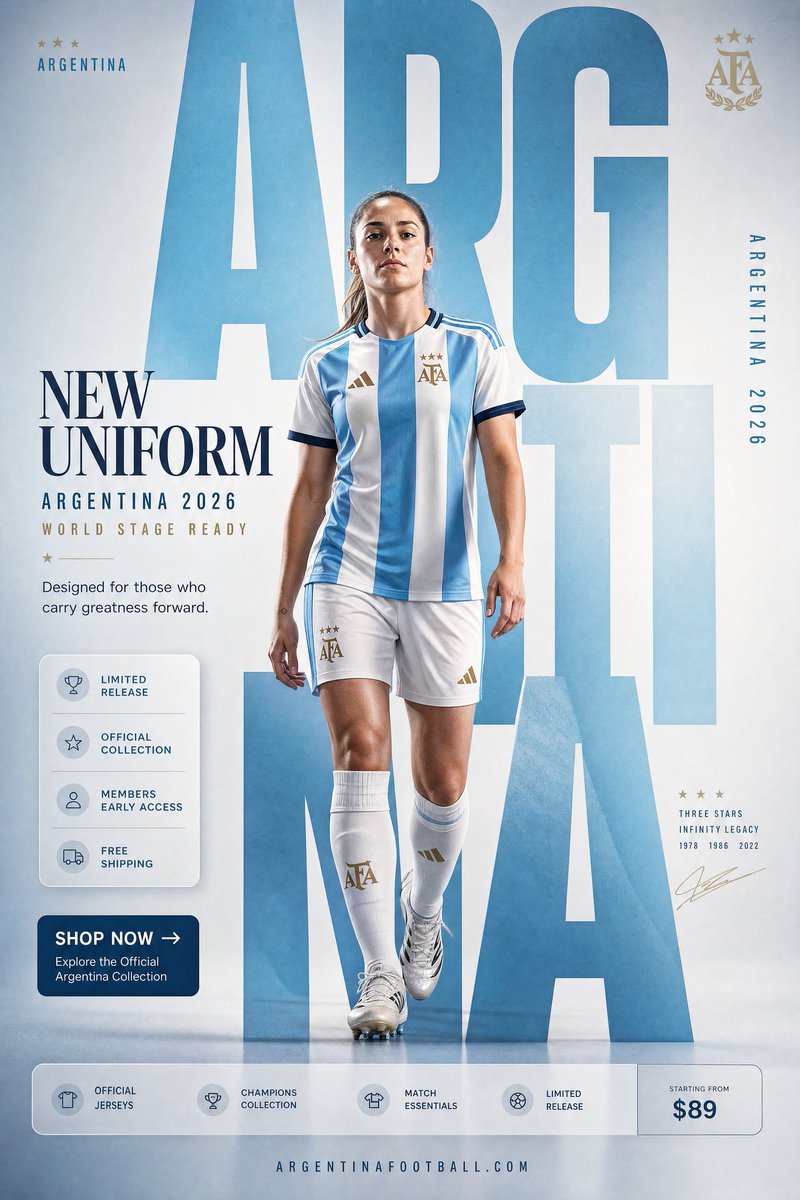
Die meisten nutzen ein Referenzbild, um eine Szene zu wechseln. Der wirkungsvollere Zug ist, das Motiv zu behalten und ihm drumherum ein strukturiertes Layout aufzuzwingen — einen Kalender, ein Datenblatt, eine Profilkarte. GPT Image 2 ist ungewöhnlich stark bei strukturierten Grafik-Layouts, sodass eine Referenz plus eine Layout-Spezifikation produktionsreif aussehende Assets in einem Durchgang erzeugt.
Das mentale Modell: Die Referenz liefert die Identität, dein Prompt liefert das Template. Je klarer die Template-Geometrie, desto brauchbarer das Ergebnis.
Kalender und Datums-Layouts
Ein Referenzfoto kann zu einem thematischen Monats- oder Jahreskalender werden. Sei explizit bei Format und Raster, sonst bekommst du ein Poster mit einem vagen Datumsstreifen.
Use the provided reference photo to create a single-page desktop calendar for the year 2027. Format: A4 vertical. Keep the subject from the reference as the hero artwork at the top half. Bottom half: a clean 12-month mini-grid, readable month names, consistent typography, generous margins. Soft cohesive color palette drawn from the reference. No watermark.Charakter- & Profilkarten
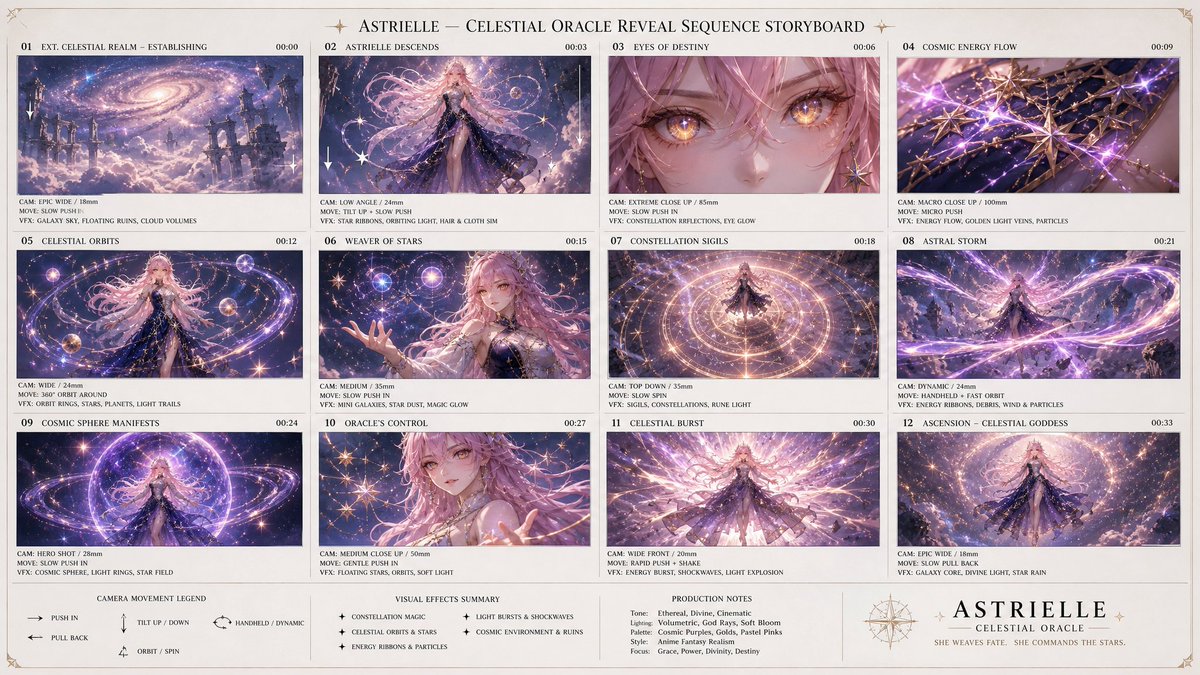
Eine einzelne Charakterreferenz wird zu einem Charakterbogen im Spiele-Stil oder einer Profilkarte mit Werten — beliebt für Game-Art und Avatar-Systeme.
Using the provided character reference, build a character profile card. Keep the face, hair, and outfit 100% identical to the reference. Layout: large character portrait on the left; on the right a tidy info panel with labeled fields — Name, Age, Height, Role, and three short trait lines. Clean game-UI styling, consistent icon set, neutral background, no real brand logos.Produktdatenblätter
Mach aus einem Produktfoto ein Industriedesign-Präsentationsblatt: mehrere Ansichten, Farbvarianten und Detail-Callouts auf einem geordneten Board. Kritische Anweisung: das Produkt sperren, damit es erkennbar bleibt.
Using the provided product photo, create an industrial-design presentation sheet. Keep the product identical (shape, proportions, label — do not redesign). Grid layout: top row of 3 detail macro shots, middle row of 3 colorway hero shots (matte black, white, accent), bottom a dynamic floating composition showing front and side profiles. Minimal neutral studio background, soft contact shadows, clean callout lines, premium product-photography aesthetic.Social-Media-Kits
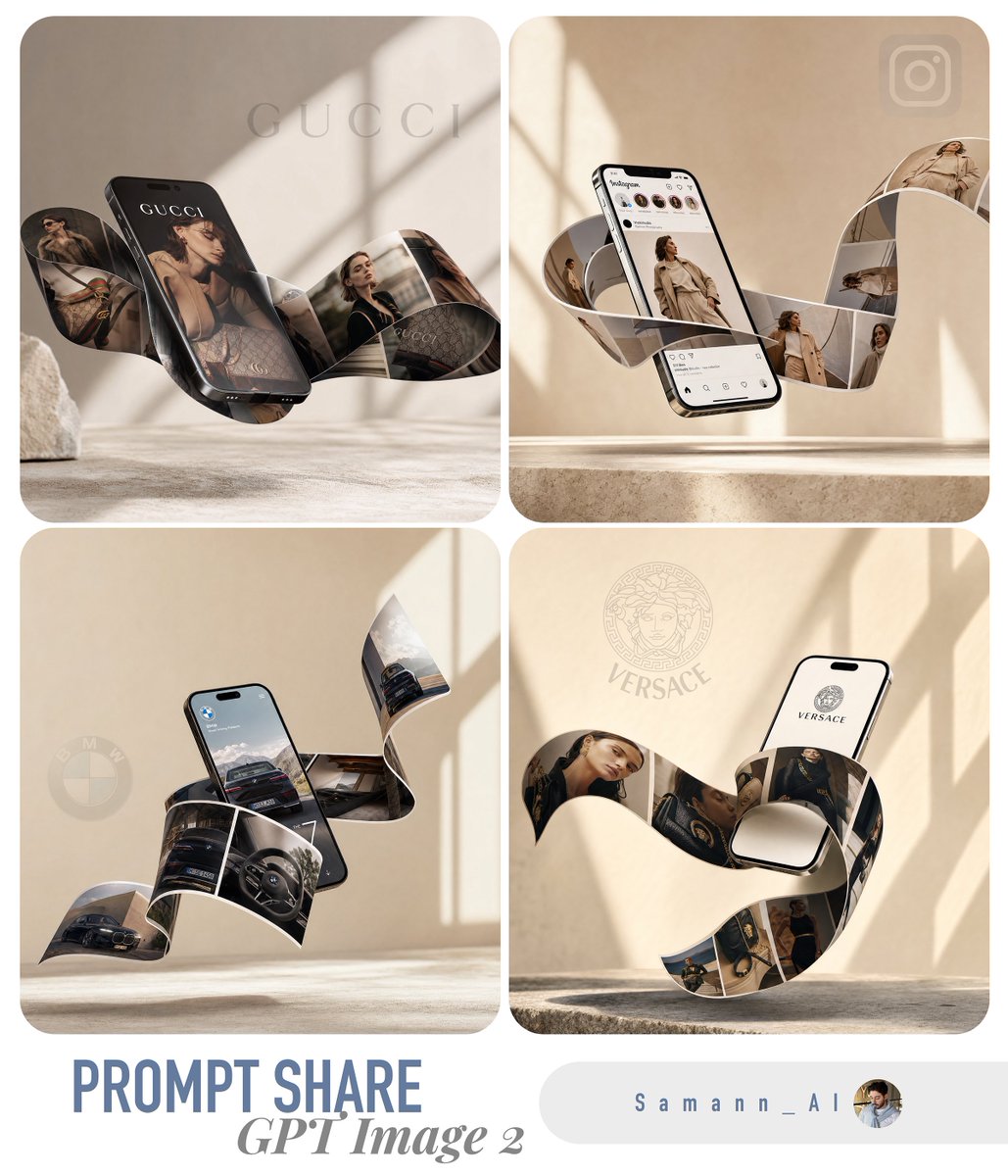
Eine Referenz kann ein abgestimmtes Multiformat-Set erzeugen — einen Post, eine Story, ein Banner — die alle dasselbe Motiv und dieselbe Behandlung teilen, sodass eine Marke über alle Platzierungen hinweg visuell konsistent bleibt.
Using the provided reference, produce a 3-up social media kit on one canvas: (1) a 1:1 feed post, (2) a 9:16 story frame, (3) a 16:9 banner. Same subject, same color grade, same typographic style across all three; only the crop and text placement change. Label each format with a small corner tag. Leave clear safe-area margins for platform UI.Was Templates kaputtmacht
- Layout driftet ab → gib exaktes Format und Raster an (A4 hochkant, 12-Monats-Mini-Raster), nicht nur "einen Kalender"
- Produkt wird neu gestaltet → füge bei jedem Produkt-Template immer "do not redesign or relabel" hinzu
- Text ist verstümmelt → halte Text auf dem Bild kurz und explizit platziert; lange Absätze rendern unzuverlässig
- Identität in dichten Layouts verloren → wiederhole die "identical to the reference"-Sperre und halte das Hauptelement groß
- Inkonsistentes Set über Formate → erzeuge das Multiformat-Kit in einem Prompt/Canvas, nicht in getrennten Durchläufen
Try these GPT Image 2 prompts
Probiere diese Techniken jetzt aus
Öffne den kostenlosen GPT-Image-2-Generator und setze es um — 20 Gratis-Credits, ohne Kreditkarte.