Workflows·7 分で読めます
1枚の参照画像で無数のレイアウト:GPT Image 2 テンプレートワークフロー
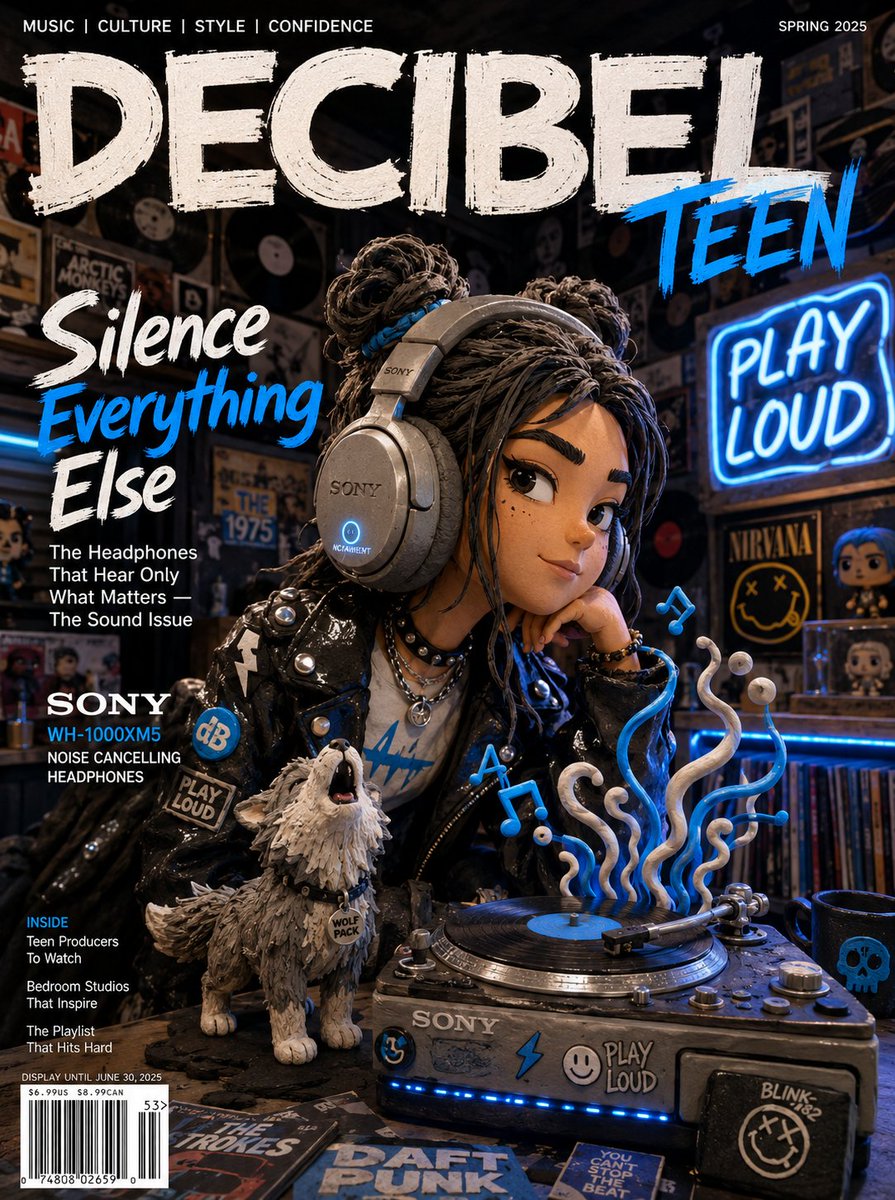
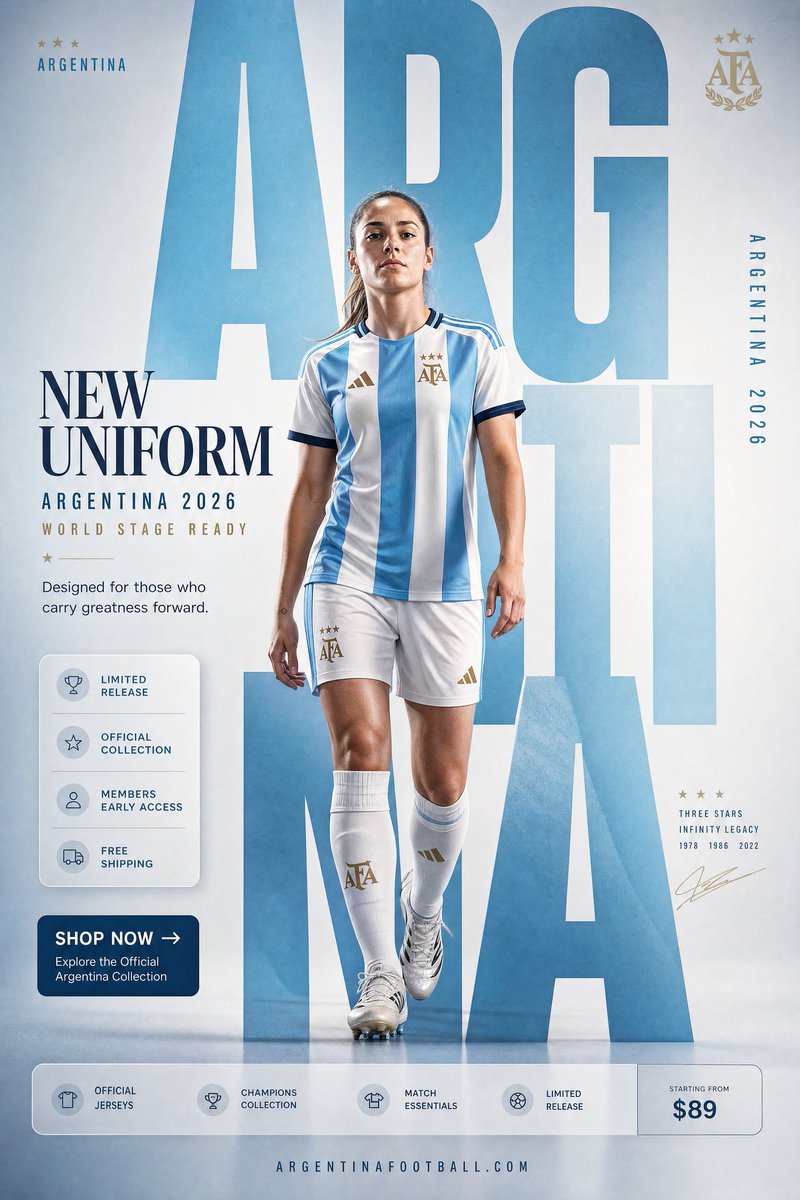
カレンダー・キャラカード・製品ページ・SNSセット——1枚の参照画像で一式を。
テンプレート思考
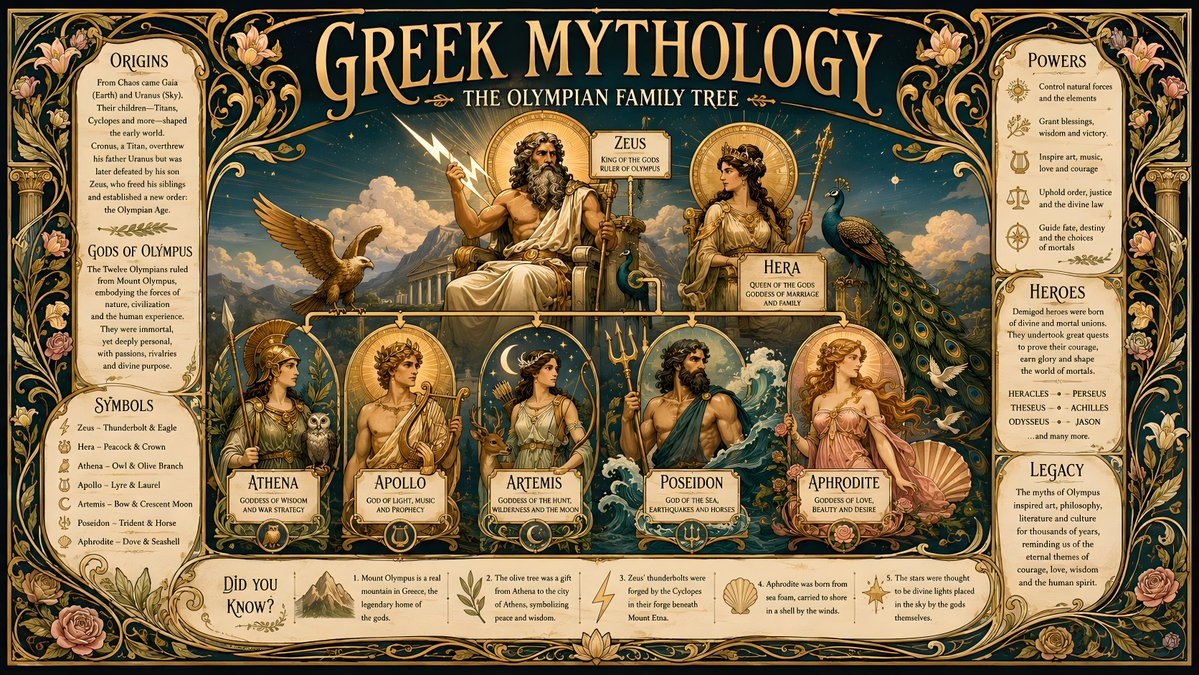
多くの人は参照画像をシーンの差し替えに使う。より効果的なのは、被写体を保ったまま周囲に構造化されたレイアウトを当てはめること——カレンダー、仕様シート、プロフィールカードなど。GPT Image 2 は構造化されたグラフィックレイアウトに非常に強いため、参照画像にレイアウト仕様を添えるだけで、完成品のような素材が一発で出力できる。
メンタルモデル:参照画像がアイデンティティを供給し、プロンプトがテンプレートを供給する。テンプレートのジオメトリが明確なほど、出力は使えるものになる。
カレンダーと日付レイアウト
参照写真はテーマ化された月間・年間カレンダーになる。フォーマットとグリッドを明示しないと、曖昧な日付帯がついたポスターになってしまう。
Use the provided reference photo to create a single-page desktop calendar for the year 2027. Format: A4 vertical. Keep the subject from the reference as the hero artwork at the top half. Bottom half: a clean 12-month mini-grid, readable month names, consistent typography, generous margins. Soft cohesive color palette drawn from the reference. No watermark.キャラクター&プロフィールカード
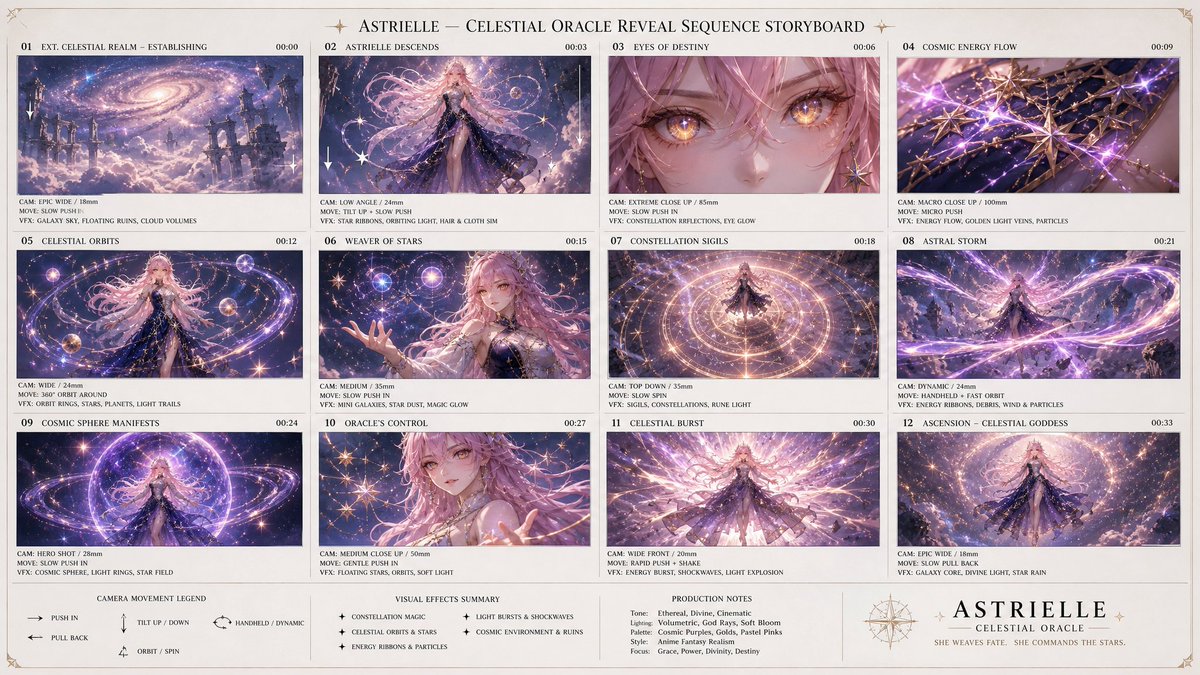
1枚のキャラクター参照画像は、ゲーム風のキャラクターシートやステータス付きプロフィールカードになる——ゲームアートやアバターシステムで人気の用途だ。
Using the provided character reference, build a character profile card. Keep the face, hair, and outfit 100% identical to the reference. Layout: large character portrait on the left; on the right a tidy info panel with labeled fields — Name, Age, Height, Role, and three short trait lines. Clean game-UI styling, consistent icon set, neutral background, no real brand logos.製品仕様シート
製品写真を工業デザインのプレゼンシートに変える:複数アングル、カラーバリエーション、ディテールの注釈を1枚の整理されたボードに。重要な指示:製品をロックして、見分けがつく状態を保つこと。
Using the provided product photo, create an industrial-design presentation sheet. Keep the product identical (shape, proportions, label — do not redesign). Grid layout: top row of 3 detail macro shots, middle row of 3 colorway hero shots (matte black, white, accent), bottom a dynamic floating composition showing front and side profiles. Minimal neutral studio background, soft contact shadows, clean callout lines, premium product-photography aesthetic.SNS素材セット
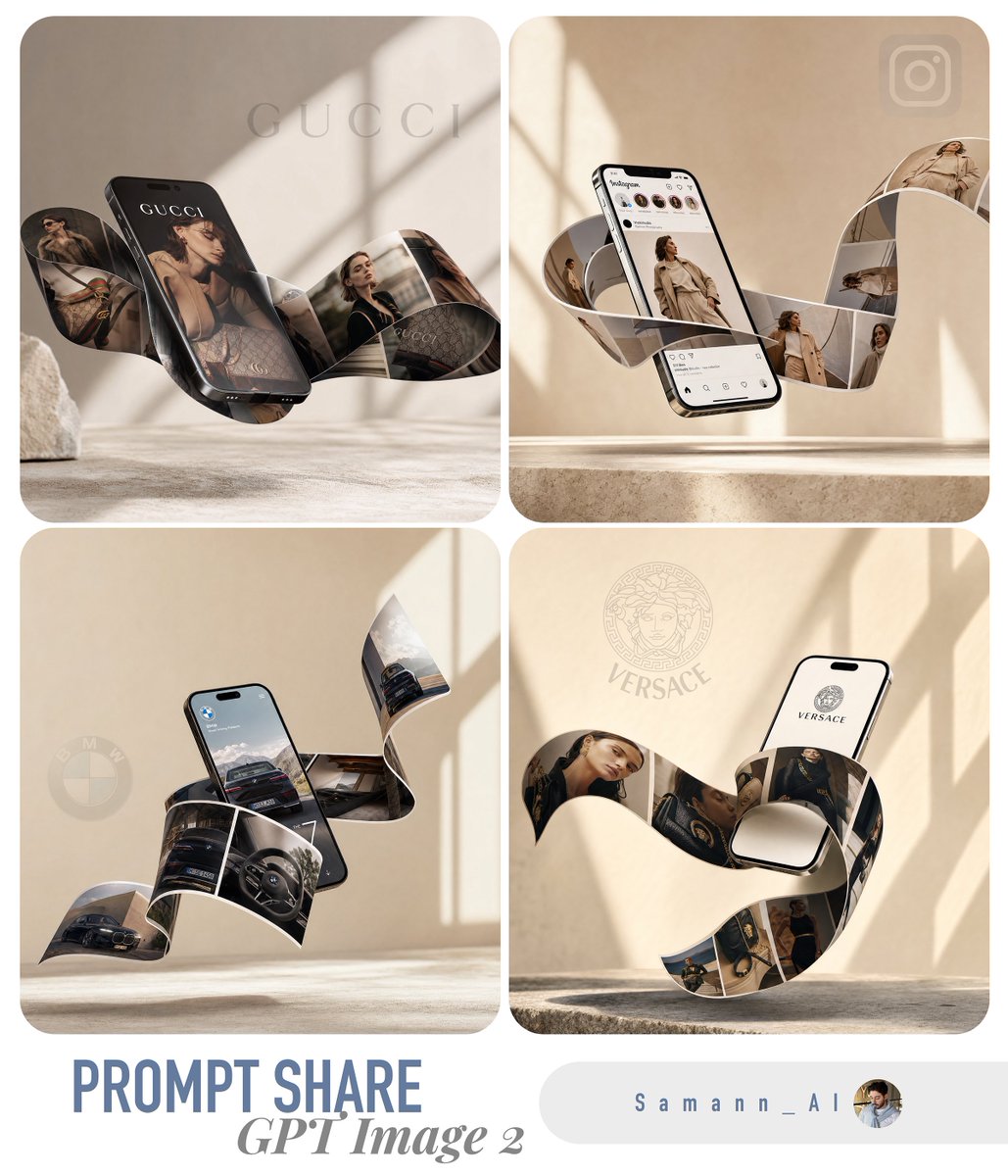
1枚の参照画像から、統一された複数フォーマットのセット——投稿、ストーリー、バナー——を生成できる。すべて同じ被写体と処理を共有するので、配置先が変わってもブランドの見た目が一貫する。
Using the provided reference, produce a 3-up social media kit on one canvas: (1) a 1:1 feed post, (2) a 9:16 story frame, (3) a 16:9 banner. Same subject, same color grade, same typographic style across all three; only the crop and text placement change. Label each format with a small corner tag. Leave clear safe-area margins for platform UI.テンプレートが崩れる原因
- レイアウトがずれる → 「カレンダー」だけでなく、正確なフォーマットとグリッド(A4縦、12ヶ月ミニグリッド)を明示する
- 製品が再設計される → どの製品テンプレートにも「do not redesign or relabel」を必ず追加する
- テキストが文字化けする → 画像上のテキストは短く、配置を明示する。長い段落は安定して描画されない
- 密なレイアウトでアイデンティティが失われる → 「identical to the reference」のロックを繰り返し、主要要素を大きく保つ
- セット間で不揃いになる → 複数フォーマットのキットは別々の実行ではなく、1つのプロンプト/1枚のキャンバスで生成する
Try these GPT Image 2 prompts