One Reference, Many Layouts: Template Workflows in GPT Image 2
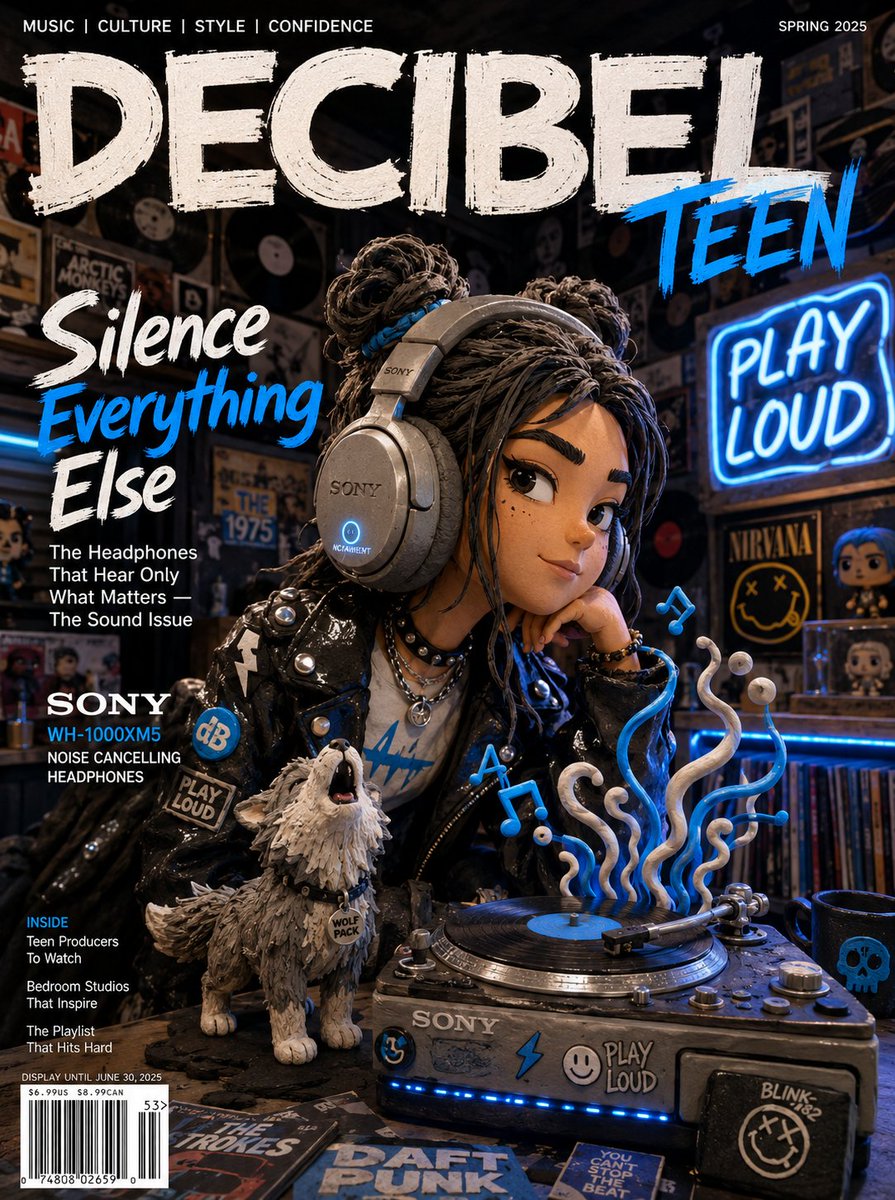
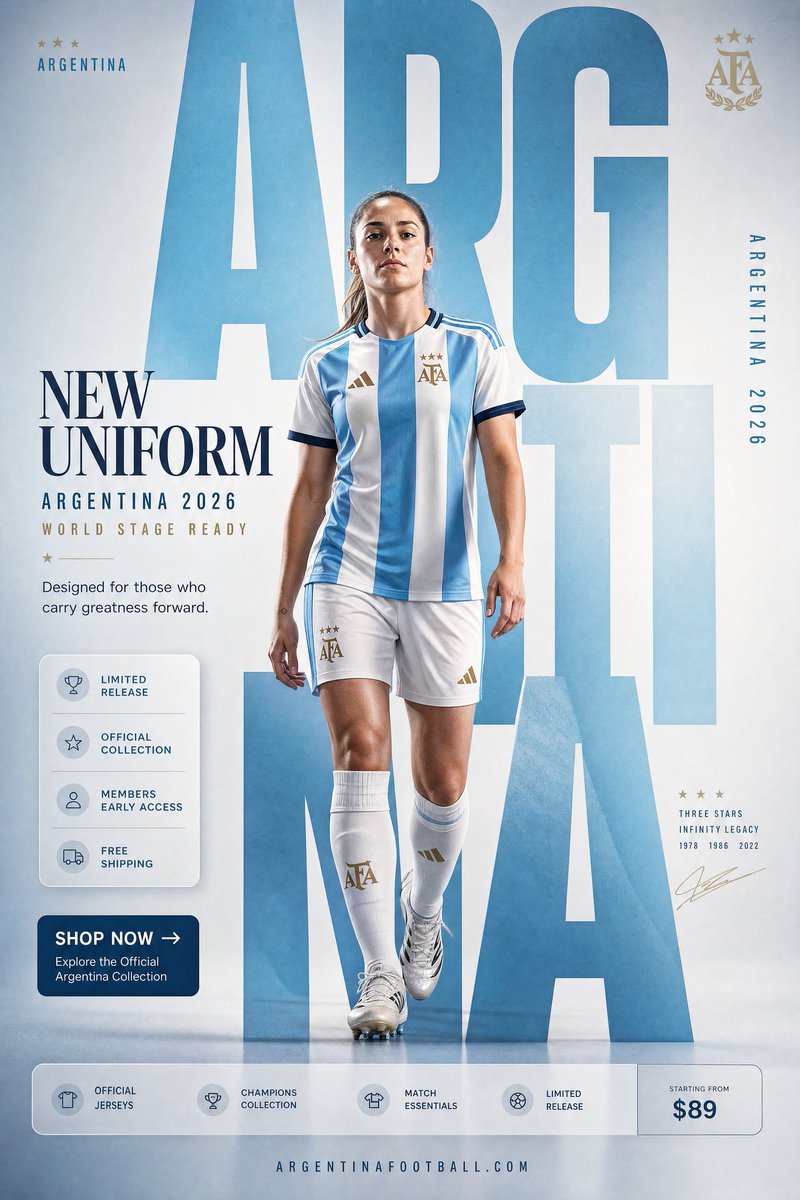
Calendars, character cards, product sheets, social kits — one reference image, a whole set of usable layouts.
The template mindset
Most people use a reference image to change a scene. The higher-leverage move is to keep the subject and impose a structured layout around it — a calendar, a spec sheet, a profile card. GPT Image 2 is unusually strong at structured graphic layouts, so a reference plus a layout spec produces production-looking assets in one shot.
The mental model: the reference supplies identity, your prompt supplies the template. The clearer the template geometry, the more usable the output.
Calendars and date layouts
A reference photo can become a themed monthly or yearly calendar. Be explicit about format and grid or you'll get a poster with a vague date strip.
Use the provided reference photo to create a single-page desktop calendar for the year 2027. Format: A4 vertical. Keep the subject from the reference as the hero artwork at the top half. Bottom half: a clean 12-month mini-grid, readable month names, consistent typography, generous margins. Soft cohesive color palette drawn from the reference. No watermark.Character & profile cards
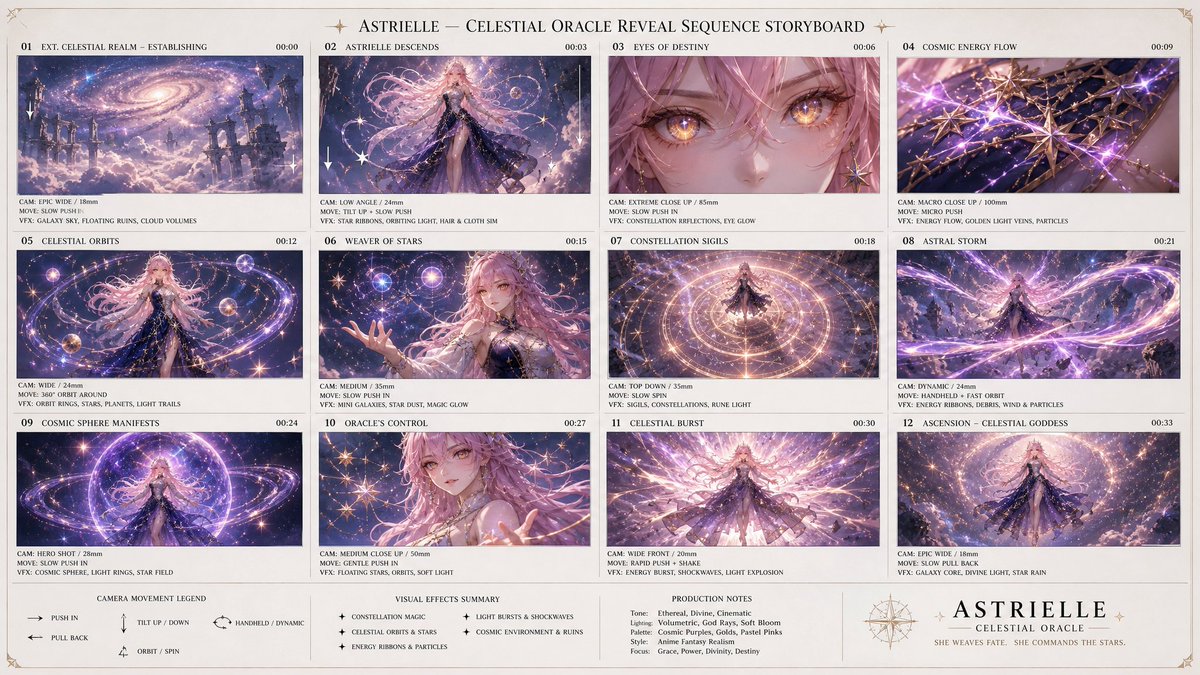
A single character reference becomes a game-style character sheet or a profile card with stats — popular for game art and avatar systems.
Using the provided character reference, build a character profile card. Keep the face, hair, and outfit 100% identical to the reference. Layout: large character portrait on the left; on the right a tidy info panel with labeled fields — Name, Age, Height, Role, and three short trait lines. Clean game-UI styling, consistent icon set, neutral background, no real brand logos.Product spec sheets
Turn a product photo into an industrial-design presentation sheet: multiple angles, colorways, and detail callouts on one organized board. Critical instruction: lock the product so it stays recognizable.
Using the provided product photo, create an industrial-design presentation sheet. Keep the product identical (shape, proportions, label — do not redesign). Grid layout: top row of 3 detail macro shots, middle row of 3 colorway hero shots (matte black, white, accent), bottom a dynamic floating composition showing front and side profiles. Minimal neutral studio background, soft contact shadows, clean callout lines, premium product-photography aesthetic.Social media kits
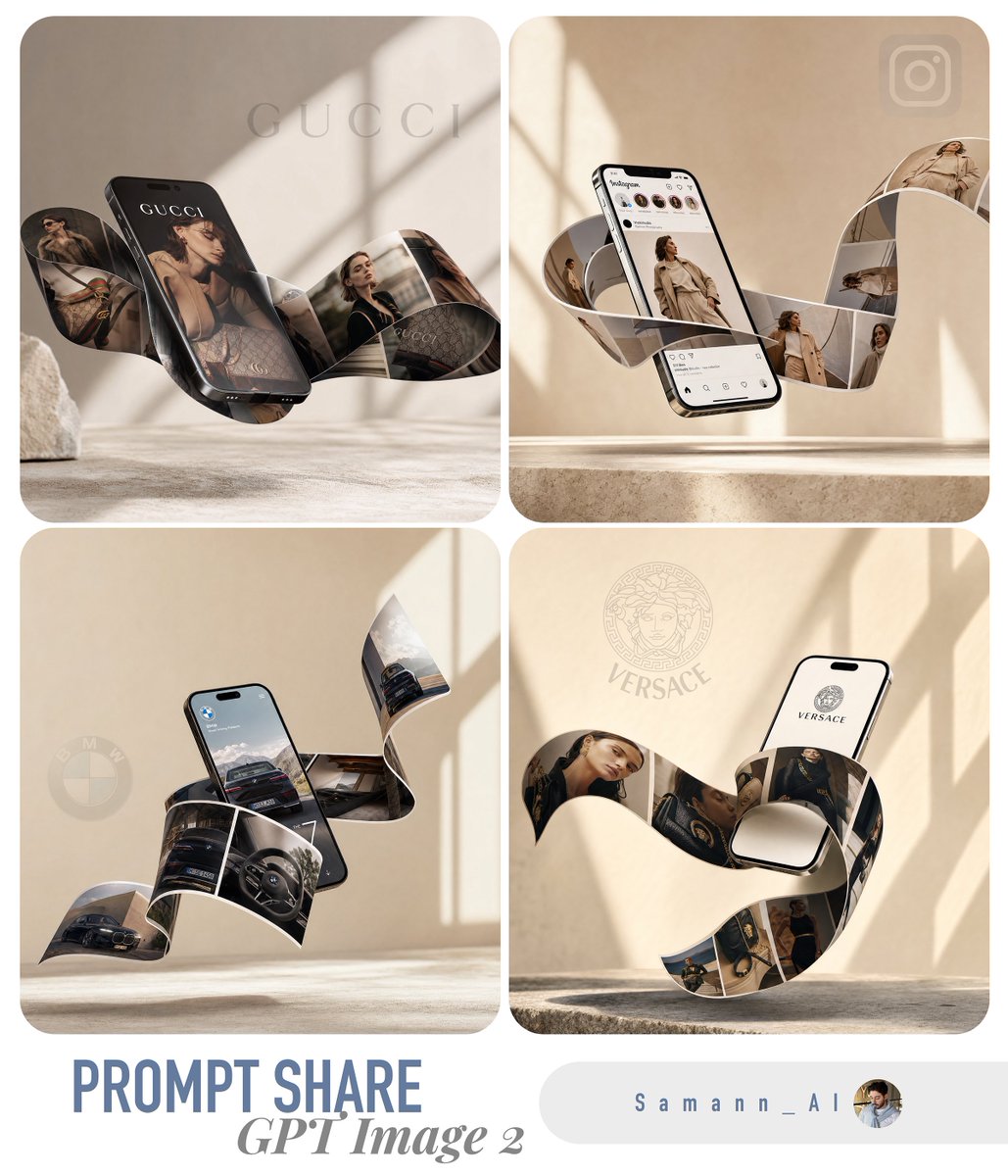
One reference can generate a coordinated multi-format set — a post, a story, a banner — that all share the same subject and treatment, so a brand stays visually consistent across placements.
Using the provided reference, produce a 3-up social media kit on one canvas: (1) a 1:1 feed post, (2) a 9:16 story frame, (3) a 16:9 banner. Same subject, same color grade, same typographic style across all three; only the crop and text placement change. Label each format with a small corner tag. Leave clear safe-area margins for platform UI.What breaks templates
- Layout drifts → state exact format and grid (A4 vertical, 12-month mini-grid), not just "a calendar"
- Product redesigned → always add "do not redesign or relabel" for any product template
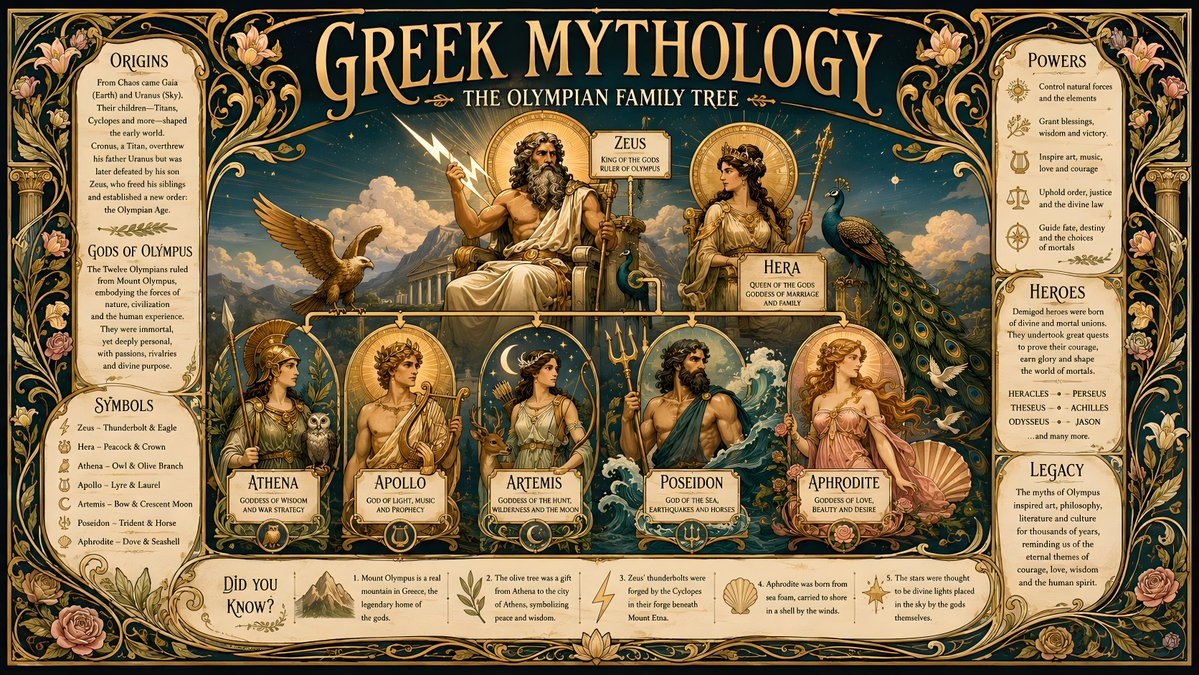
- Text is garbled → keep on-image text short and explicitly placed; long paragraphs render unreliably
- Identity lost in dense layouts → repeat the "identical to the reference" lock and keep the hero element large
- Inconsistent set across formats → generate the multi-format kit in one prompt/canvas, not as separate runs
Try these GPT Image 2 prompts
Try these techniques now
Open the free GPT Image 2 generator and put this into practice — 20 free credits, no credit card.