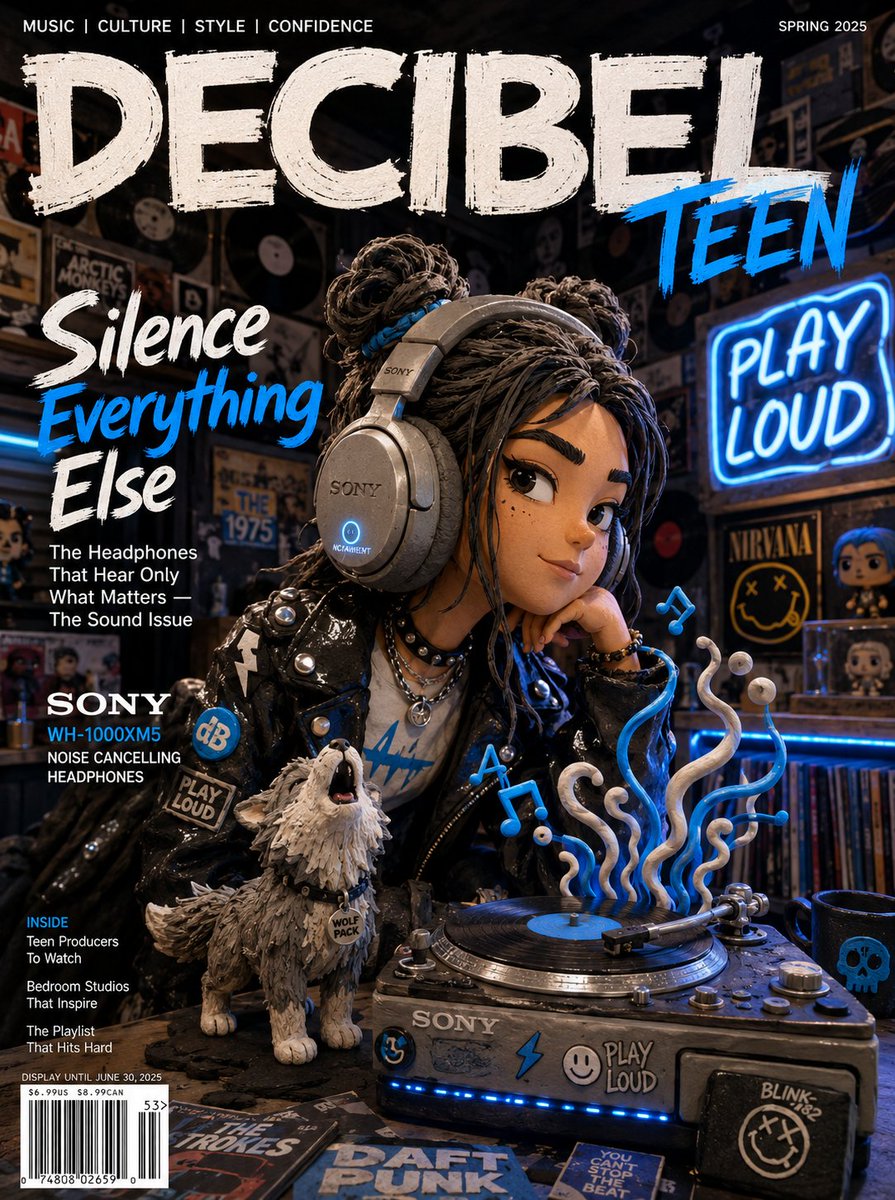
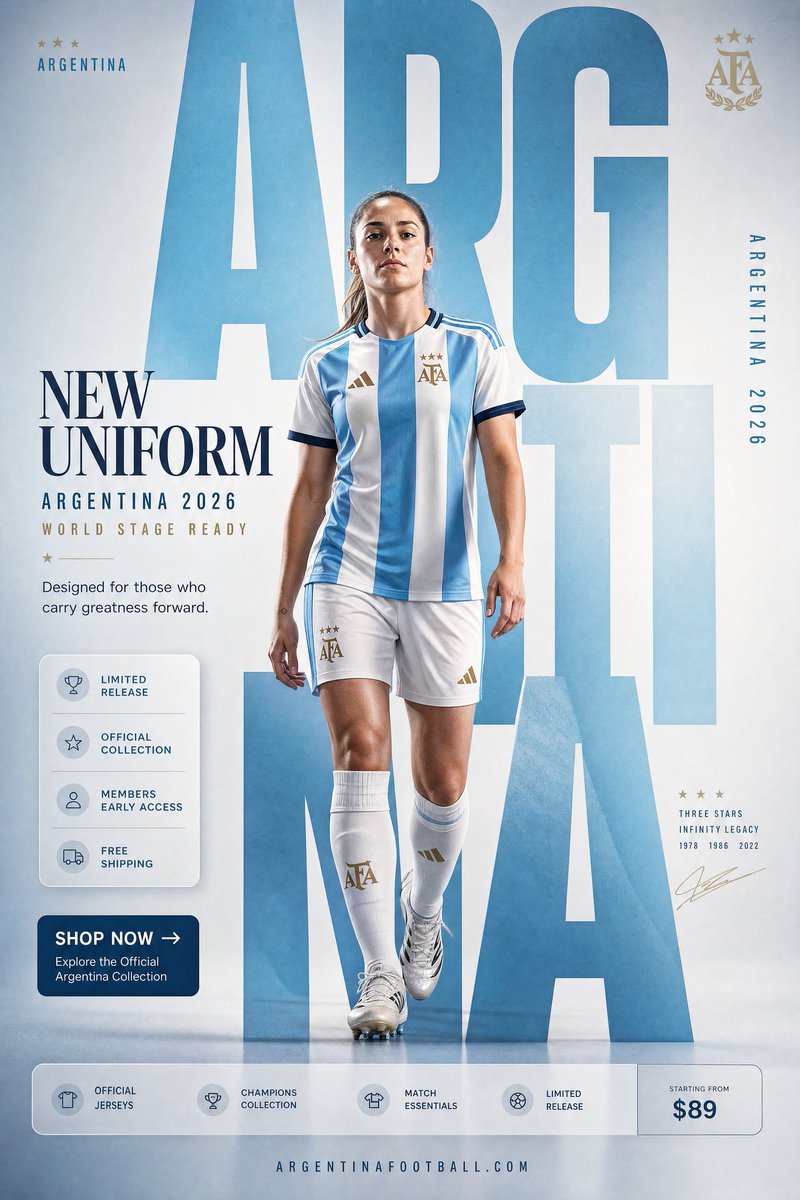
用 GPT Image 2 做電商視覺:產品主圖、情境圖與詳情頁 KV
把 prompt 當成拍攝 brief,而非關鍵字堆疊。方向性打光、點名材質、預留文案空間,讓 GPT Image 2 成為快速、調性一致的產品出圖流水線。
把 prompt 寫成 brief,而非關鍵字堆疊
GPT Image 2 在商業場景裡最鮮明的特質是極強的 prompt 服從度:你告訴它機位角度,它就守住;你告訴它要留掉什麼,它就留掉。反過來說,一個含糊的需求——「給我產品來張好看的照片」——只會得到一張通用、平淡的結果。你投入多少結構,模型就回敬你多少結構。
所以要按固定順序把 prompt 寫成一份拍攝 brief,這個順序對應 OpenAI 公開的 prompting 指南:先場景/背景,再主體,再關鍵細節,最後約束。把任務明確說出來——「一張電商 hero 圖」或「一支高端產品廣告」——因為點明用途比「漂亮」這類形容詞更能把模型的精緻度和構圖定到位。
一個可靠的骨架:主體 + 環境 + 打光 + 材質 + 構圖 + 用途 + 約束。你不會每次都用滿每一個槽位,但用槽位去思考,能讓你不再一股腦塞十個風格詞、指望矇中一個。
這也改變了一次拍攝的經濟帳。與其一天產出五張成品,不如探索五十個方向——背景、角度、情緒——挑出勝出者,然後才在精修上投入。prompt 是你的 brief;模型是一位不知疲倦的初稿攝影師。
看起來不假的背景與打光
按通路來選背景。純白(RGB 255,255,255)、產品佔畫面約 85%,是 Amazon 這類平台所期待的樣式。淺灰無縫背景紙對 DTC 品牌讀起來更高端。情境圖則需要真實的環境和自然光。把你想要哪一種說出來——別交給運氣。
打光是 AI 圖最先翻車的地方,而解法是給方向,不是給形容詞。「柔和而戲劇性的光」對模型毫無意義;一個光線向量才管用:
three-point lighting setup, strong key light from camera-left at 45 degrees, soft fill from the right, subtle rim light separating the product from the background這些都是模型在真實產品照片裡見過、與之綁定的專業攝影術語,所以它們會從訓練分布裡正確的那一部分提取內容。用 rim light 去勾勒高光感強的電子產品邊緣,用柔和的散射光拍護膚與彩妝,並且永遠點名光從哪來。
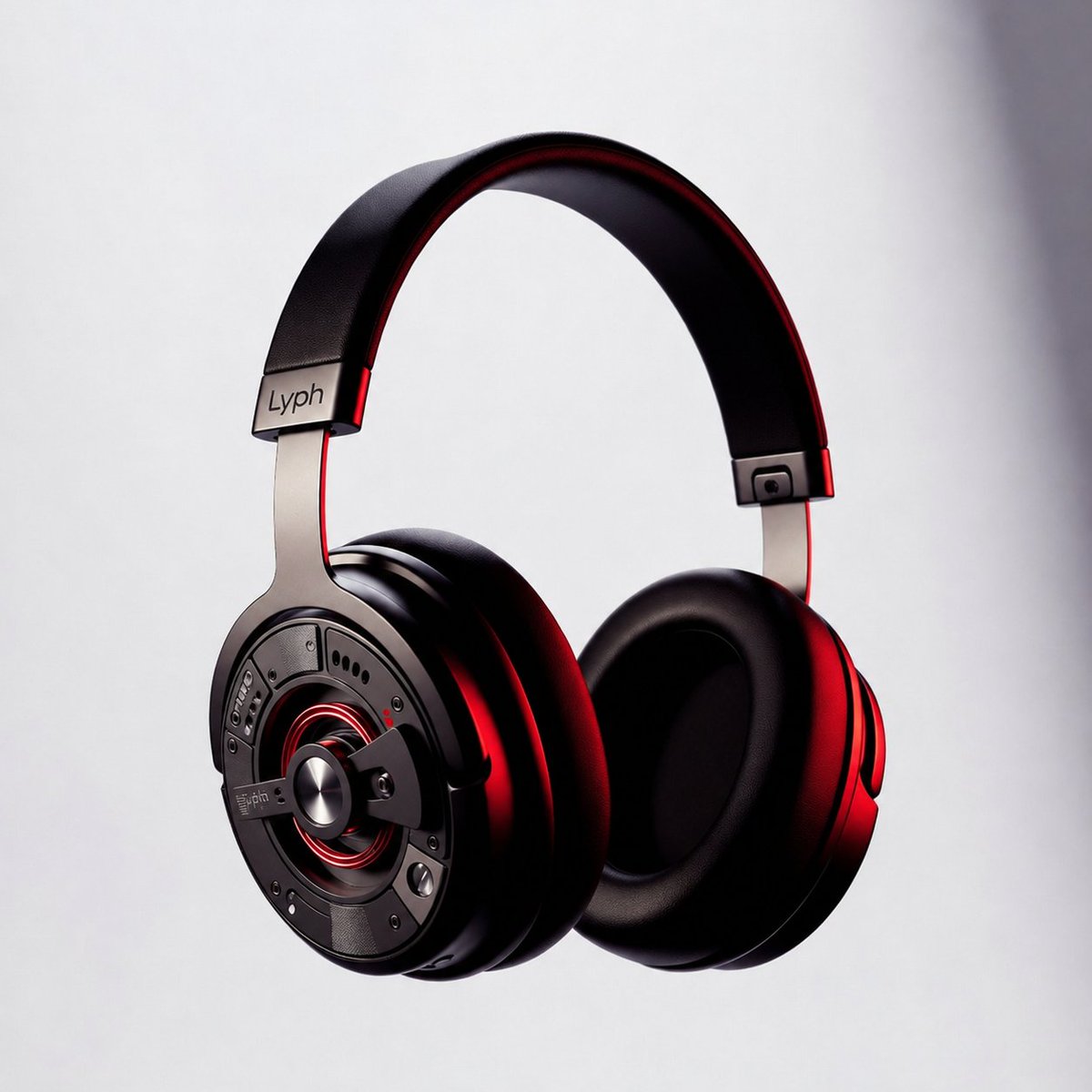
幹掉塑膠感:材質、陰影、縱深
一張 AI 產品圖最大的破綻就是假材質。把材質明確點名,表面就不再像射出成型塑膠:
- 金屬:「visible brushed-metal grain, realistic metallic reflections」
- 布料與箱包:「realistic nylon texture, visible stitching and zipper detail」
- 食物:「natural oil sheen, real surface texture, condensation droplets」
- 深色背景上的高光物件:「crisp edges, subtle reflection underneath」
讓產品落地,別讓它漂浮。接觸陰影是最廉價的真實感升級:「subtle realistic contact shadow directly under the product.」然後點名三個縱深層次——前景產品、中景道具、柔焦背景——來打破那種平貼上去的觀感,讓畫面有真實的空間。
Hero KV:為文案預留空間,鎖定文字
hero KV(key visual)是一張專門為承載標題而構建的產品圖。從第一條 prompt 起就把它設計進構圖裡,而不是事後再裁切:「product on the right, clean negative space on the left for a campaign headline.」
GPT Image 2 能渲染出真實、可讀的文字——相比舊模型是一次扎實的飛躍——但前提是你把它鎖死。把確切的文案放進引號,給每一塊文字命名角色,並禁止多餘內容:
Headline (top-left, render verbatim): "SOUND YOU CAN FEEL". Subhead below it: "40-hour battery". No extra words, no duplicate text, no fake brand logo, no watermark.如果文字糊了,就減少字數、加大字級,並重新加上「render verbatim, exact text only.」對任何關鍵到不能出錯的內容,生成時就把文字區域留空,事後在設計工具裡排版上字——這能保證拼字和字距完美無瑕。(對資料圖表這類文字密集的版式,參見我們關於資訊圖與文字渲染的指南。)
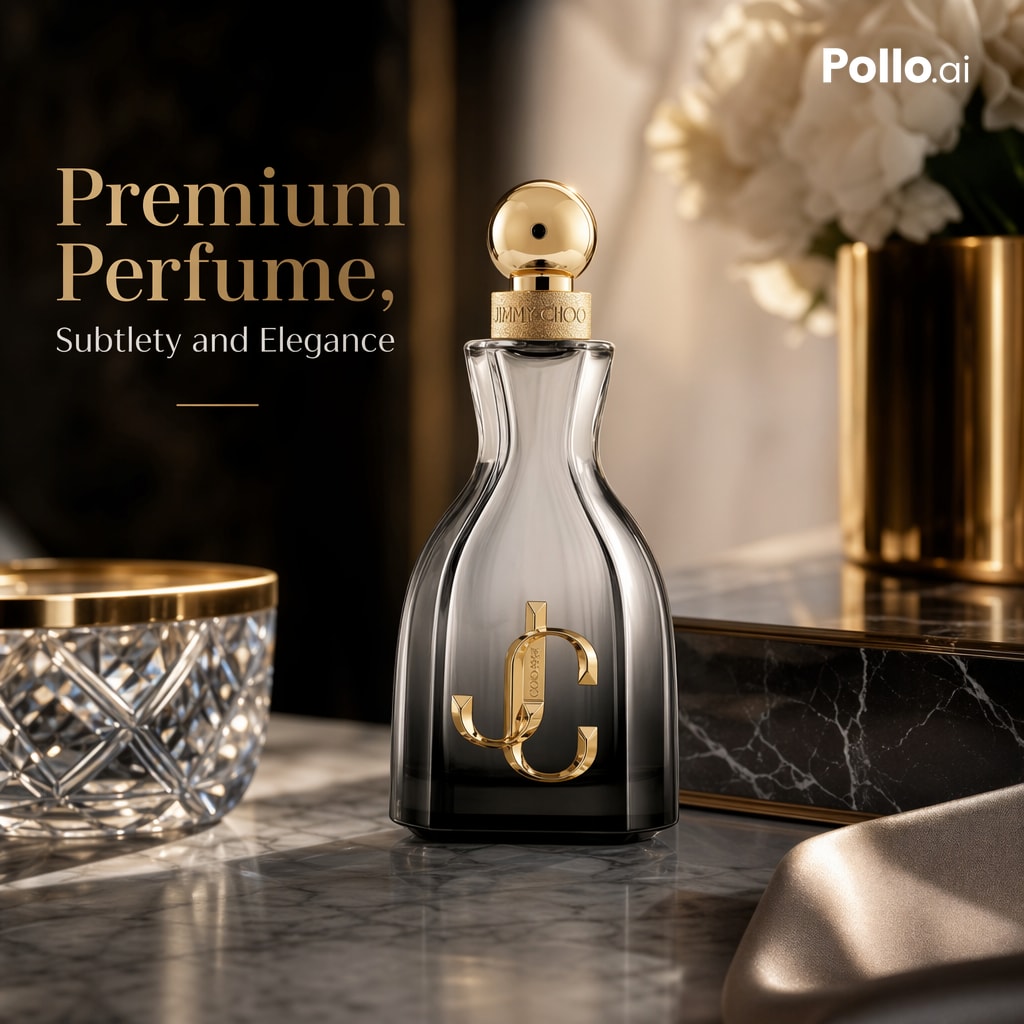
三個可以馬上貼上使用的模板
平台主圖——純白、邊緣銳利:
A clean e-commerce packshot of [product], centered on a pure white seamless background (RGB 255,255,255). Keep the exact shape, proportions, branding, label text and material finish. Product fills ~85% of the frame. Soft diffused three-point studio lighting, subtle realistic contact shadow directly under the product. Straight-on angle, sharp crisp edges, realistic reflections on glossy surfaces. No props, no extra objects, no text overlay, no watermark, no distortion.情境圖——溫暖、有生活氣息,產品仍是主角:
A lifestyle e-commerce photo of [product] on a marble surface (foreground), a book and phone nearby (mid-ground), a softly blurred warm interior (background). Morning light from a left-side window, soft natural shadows. 35mm lens, eye-level, shallow depth of field. Keep the product design, branding, proportions and material exactly; the product remains the hero. Minimal, editorial, believable lighting. No clutter, no text.帶標題的 hero KV——16:9、預留文案空間:
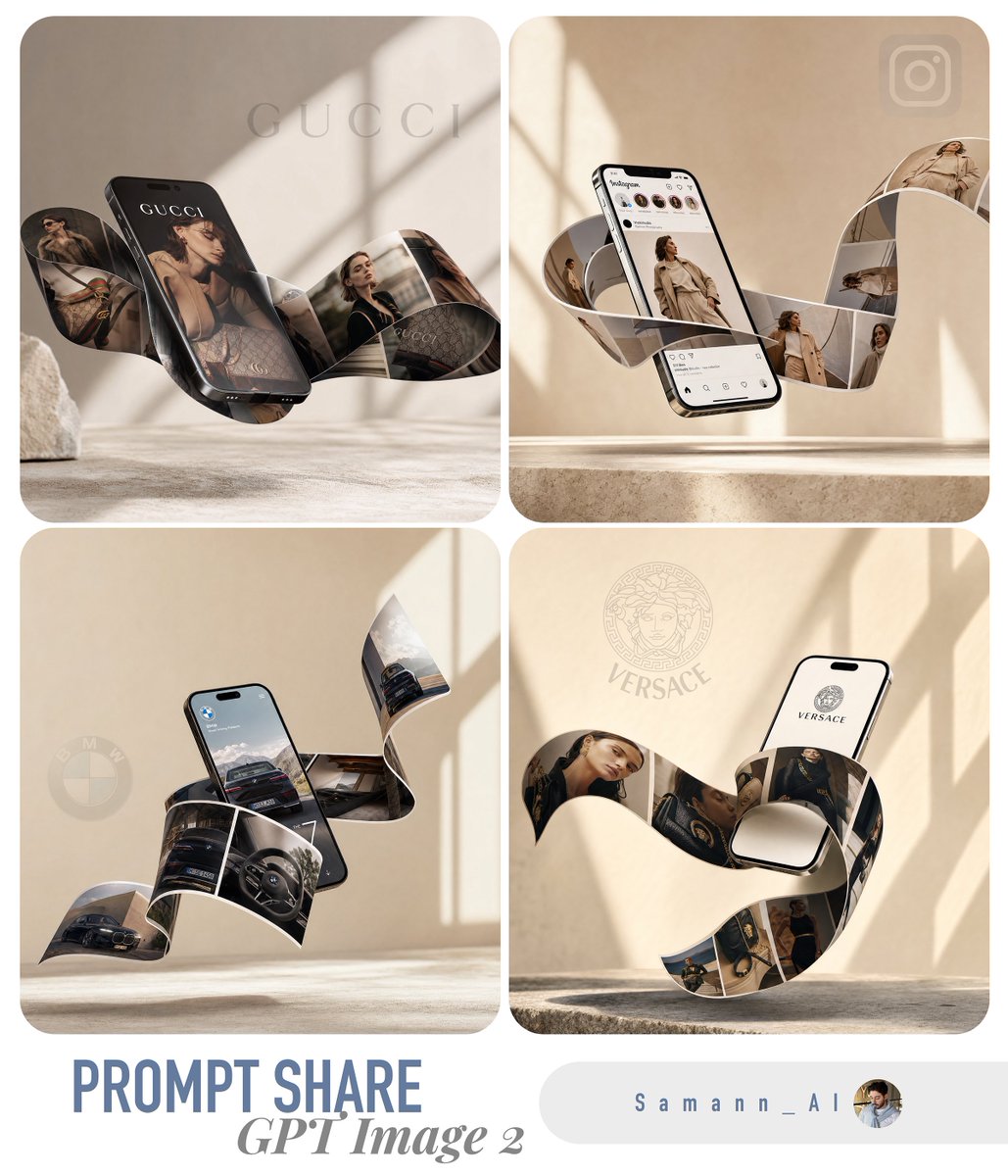
A premium e-commerce hero KV for [product] on a concrete plinth, 16:9, product on the right with clean negative space on the left. Headline (verbatim): "[YOUR HEADLINE]". Subhead: "[short benefit]". Render all text verbatim, perfectly legible, no extra words, no duplicate text. Dramatic rim light, sharp product edges, subtle clean contact shadow, luxury campaign style. Preserve product shape, label text, color and material exactly. No fake brand logo, no watermark.只替換方括號裡的幾行,整本型錄的觀感就能保持一致——這和參考圖工作流背後那套鎖定模板的思路是一樣的。
坑點——以及真實拍攝仍然勝出的地方
大多數失敗模式都有一句話的解法:
- 塑膠表面:點名材質並加上「realistic texture, real imperfections」。
- 平淡、發悶的光:給一個光線方向和一套真實的打光,絕不要只寫「cinematic」。
- 文字亂碼或重複:減少字數、加大字級,引號外加「render verbatim, no extra words」。
- 產品懸浮:「subtle contact shadow directly under the product」。
- 編輯時跑偏:「change only X, preserve everything else exactly」,並鎖定機位角度。
- Logo 或商標風險:先用一個虛構但清晰可讀的品牌標識來設計,事後再合成真實 logo。
對極限要誠實。GPT Image 2 在概念探索、創意 A/B 測試,以及型錄圖和情境圖上都極為出色。但細節至關重要的品類——珠寶的刻面與金屬反光、帶接口和螢幕的電子產品、有織紋和垂墜感的織物——仍會讓它栽跟頭,而奢侈品的 hero 畫面往往最好真拍或交給修圖師收尾。用模型來跑得快、覆蓋量大;把相機留給那少數每一個像素都會被審視的畫面。
想試試?本站的 GPT Image 2 免費起步——註冊送 20 個 credits,無需綁卡。在 gpt-img2.com 生成你的第一批產品圖,當你要放量時,加購 credits 的價格大約是 OpenAI 官方圖片價格的一半。瀏覽電商 prompt 範例。
Try these GPT Image 2 prompts