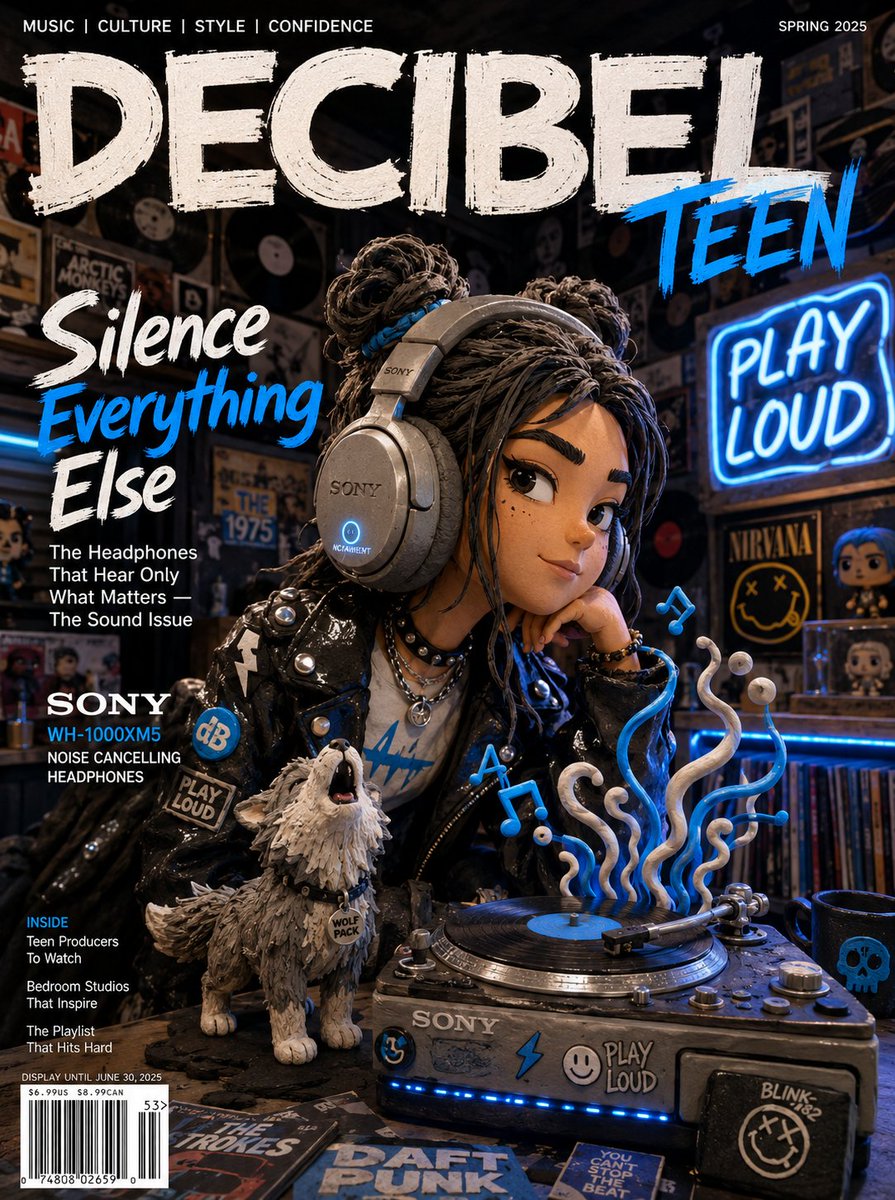
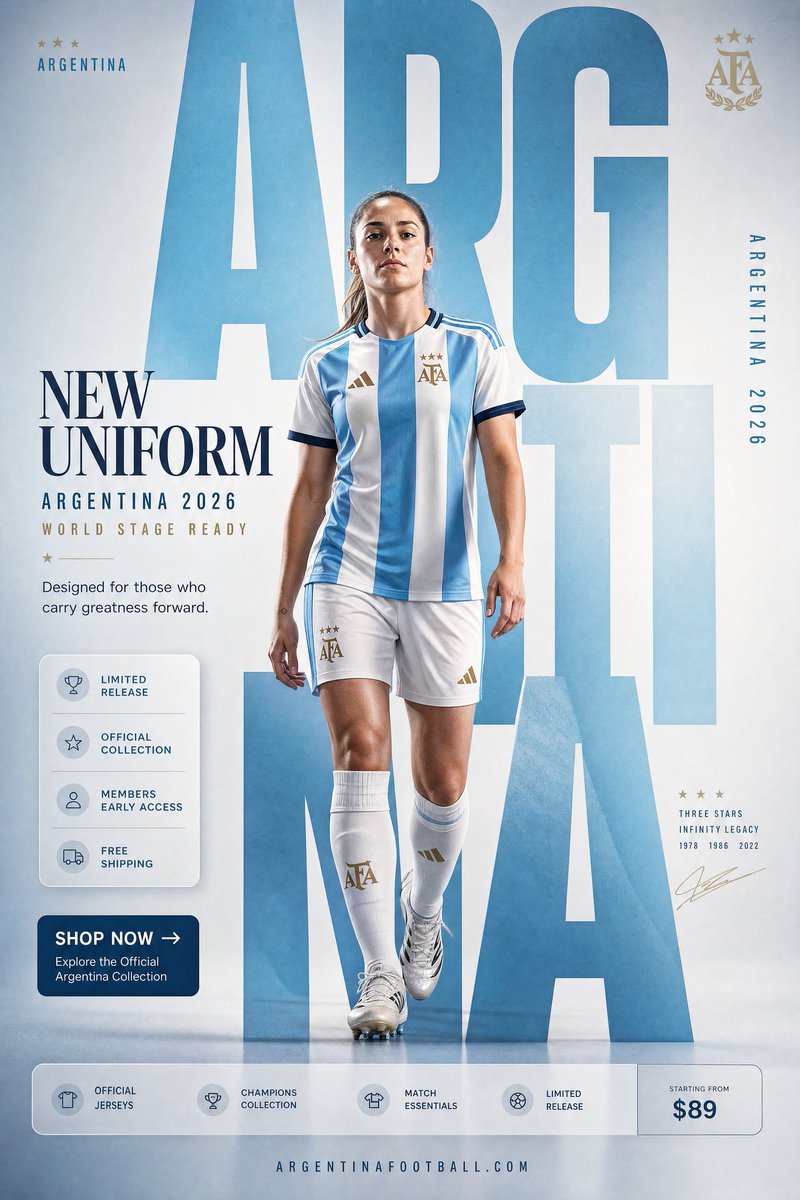
GPT Image 2 for E-commerce: Product Shots, Lifestyle Scenes & Hero KVs
Treat the prompt as a production brief, not a keyword pile. Direction-based lighting, named materials and reserved copy space turn GPT Image 2 into a fast, on-brand product-photography pipeline.
プロンプトはキーワードの山ではなくbriefとして書く
GPT Image 2 の商業利用での際立った特徴は、極端なプロンプト追従性です。カメラアングルを伝えれば守り、外すものを伝えれば外します。裏を返せば、曖昧な依頼——「商品の素敵な写真を1枚」——では、ありきたりで平板な結果しか返ってきません。投入した構造の分だけ、モデルも構造を返してくるのです。
だからプロンプトは、固定された順序で撮影 brief として書きます。この順序は OpenAI が公開した prompting ガイドに対応します:まずシーン/背景、次に主体、次に重要なディテール、最後に制約。仕事は明示しましょう——「ECの hero 画像」や「プレミアムな商品広告」——用途を名指しするほうが、「美しい」のような形容詞よりもモデルの仕上がりレベルと構図をはるかに的確に定めます。
信頼できる骨格:主体 + 環境 + ライティング + 素材 + 構図 + 用途 + 制約。毎回すべてのスロットを使うわけではありませんが、スロットで考えることで、10個のスタイル語を投げ込んでどれか当たれと祈るのをやめられます。
これは撮影の経済性も変えます。1日に完成カット5枚を作る代わりに、50の方向——背景、アングル、ムード——を探索し、勝者を選び、それから仕上げに投資する。プロンプトはあなたの brief、モデルは疲れ知らずの初稿カメラマンです。
ニセモノに見えない背景とライティング
背景はチャネルに合わせて選びます。純白(RGB 255,255,255)に商品が画面の約85%を占めるのは、Amazon のようなマーケットプレイスが期待する形です。淡いグレーのシームレス背景は DTC ブランドにはよりプレミアムに見えます。ライフスタイル写真には本物の環境と自然光が必要です。どれが欲しいかを言いましょう——運任せにしないこと。
ライティングは AI 画像が最も早く失敗する箇所であり、その直し方は形容詞ではなく方向を与えることです。「ソフトでドラマチックな光」はモデルには何の意味もありません。光のベクトルなら効きます:
three-point lighting setup, strong key light from camera-left at 45 degrees, soft fill from the right, subtle rim light separating the product from the backgroundこれらはモデルが本物の商品撮影に結びついた形で見てきた、実在の写真用語です。だから訓練分布の正しい部分から引き出してくれます。rim light で光沢のあるテック製品の縁を立たせ、スキンケアやコスメには柔らかい拡散光を使い、そして常に光がどこから来るかを名指しすること。
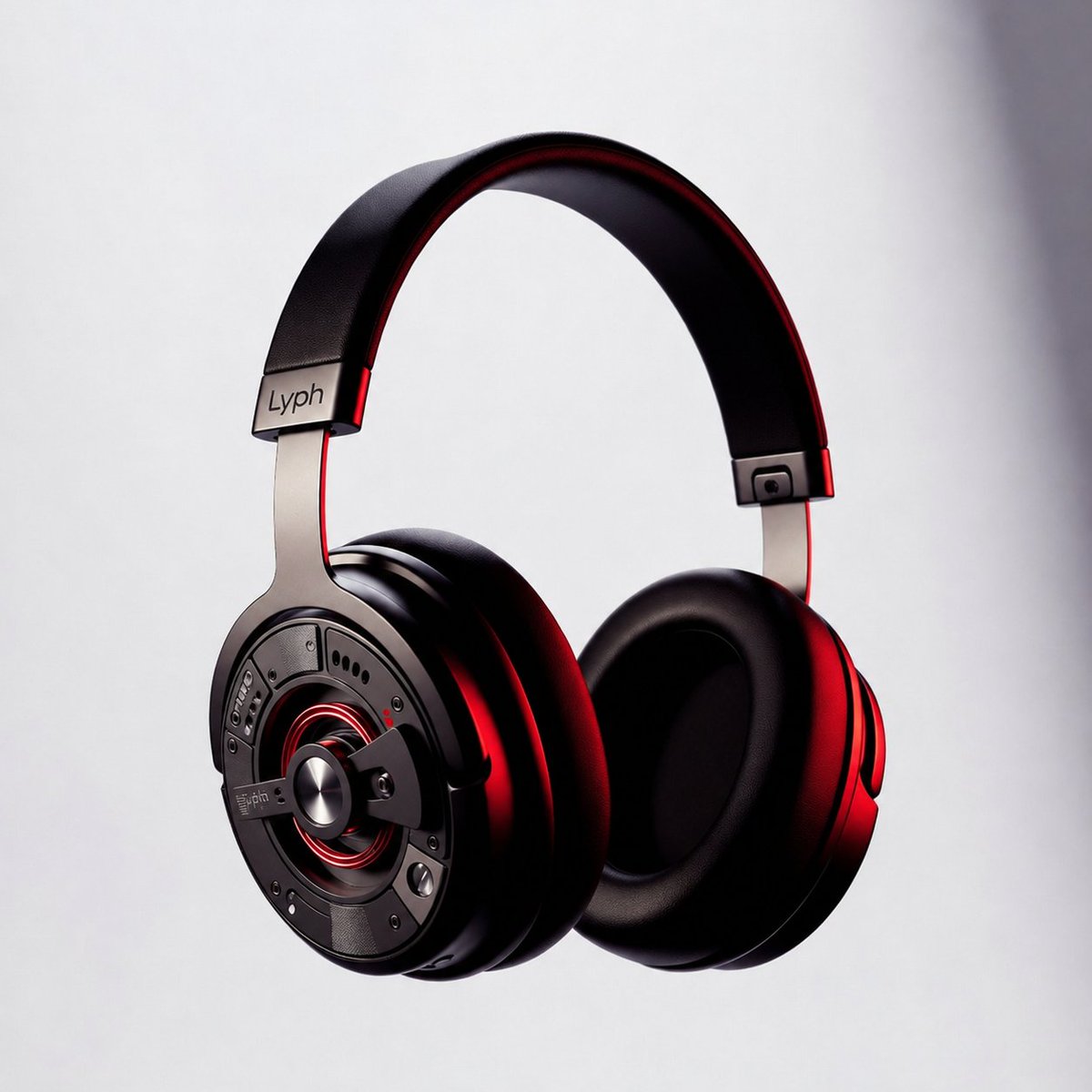
プラスチック感を消す:素材・影・奥行き
AI 商品撮影の最大の手がかりはニセの素材です。素材を明示的に名指しすれば、表面は射出成形プラスチックに見えなくなります:
- 金属:「visible brushed-metal grain, realistic metallic reflections」
- 布地とバッグ:「realistic nylon texture, visible stitching and zipper detail」
- 食品:「natural oil sheen, real surface texture, condensation droplets」
- 暗いセット上の光沢アイテム:「crisp edges, subtle reflection underneath」
商品を接地させ、浮かせないこと。接地影はもっとも安いリアリティ向上策です:「subtle realistic contact shadow directly under the product.」次に3つの奥行き層を名指し——前景の商品、中景の小道具、柔らかくぼかした背景——することで、平らに貼り付けたような見え方を壊し、シーンに実際の空間を持たせます。
Hero KV:コピーの場所を確保し、テキストを固定する
hero KV(key visual)は、見出しを担うために作られた商品撮影です。後でトリミングするのではなく、最初のプロンプトから構図にそれを設計し込みます:「product on the right, clean negative space on the left for a campaign headline.」
GPT Image 2 は本物の、読めるテキストをレンダリングできます——旧モデルからの本物の飛躍です——ただし固定したときだけ。正確なコピーを引用符に入れ、各ブロックの役割を名指しし、余計なものを禁止します:
Headline (top-left, render verbatim): "SOUND YOU CAN FEEL". Subhead below it: "40-hour battery". No extra words, no duplicate text, no fake brand logo, no watermark.テキストが崩れたら、語数を減らし、サイズを大きくし、「render verbatim, exact text only.」を付け直します。絶対に外せないものは、生成時にテキスト領域を空けておき、後でデザインツールでコピーを組版すること——これでスペルとカーニングが完璧になります。(データグラフィックのようなテキスト過密のレイアウトについては、インフォグラフィックとテキストレンダリングのガイドを参照。)
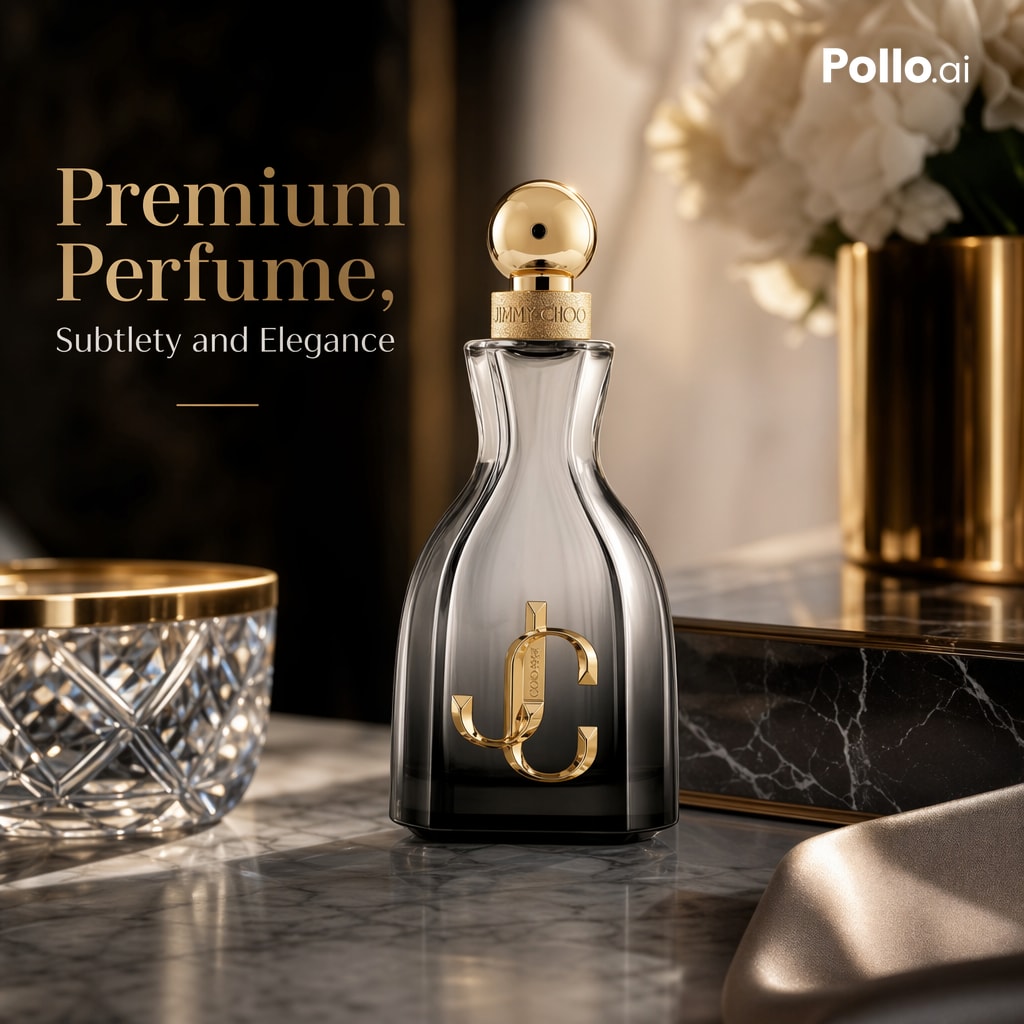
今すぐ貼り付けられる3つのテンプレート
マーケットプレイス用パックショット——純白、エッジはくっきり:
A clean e-commerce packshot of [product], centered on a pure white seamless background (RGB 255,255,255). Keep the exact shape, proportions, branding, label text and material finish. Product fills ~85% of the frame. Soft diffused three-point studio lighting, subtle realistic contact shadow directly under the product. Straight-on angle, sharp crisp edges, realistic reflections on glossy surfaces. No props, no extra objects, no text overlay, no watermark, no distortion.ライフスタイルシーン——暖かく、生活感があり、商品が主役のまま:
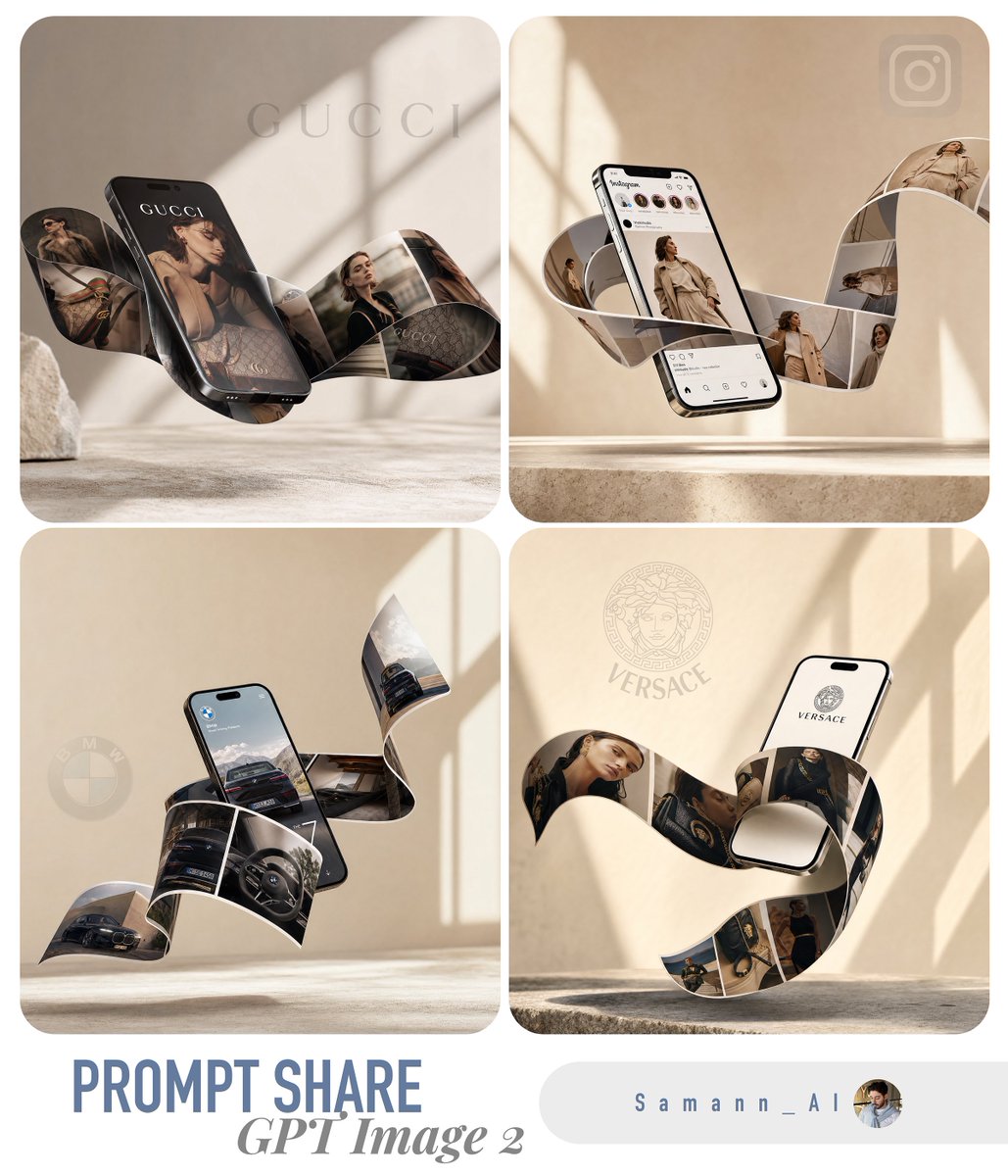
A lifestyle e-commerce photo of [product] on a marble surface (foreground), a book and phone nearby (mid-ground), a softly blurred warm interior (background). Morning light from a left-side window, soft natural shadows. 35mm lens, eye-level, shallow depth of field. Keep the product design, branding, proportions and material exactly; the product remains the hero. Minimal, editorial, believable lighting. No clutter, no text.見出し付き hero KV——16:9、コピー用スペースを確保:
A premium e-commerce hero KV for [product] on a concrete plinth, 16:9, product on the right with clean negative space on the left. Headline (verbatim): "[YOUR HEADLINE]". Subhead: "[short benefit]". Render all text verbatim, perfectly legible, no extra words, no duplicate text. Dramatic rim light, sharp product edges, subtle clean contact shadow, luxury campaign style. Preserve product shape, label text, color and material exactly. No fake brand logo, no watermark.角括弧の行だけを入れ替えれば、カタログ全体で見え方が一貫します——参照画像ワークフローの背後にある、同じ「テンプレート固定」の考え方です。
落とし穴——そして実写がまだ勝つ場面
ほとんどの失敗モードには一行の直し方があります:
- プラスチックの表面:素材を名指しし、「realistic texture, real imperfections」を加える。
- 平らで鈍い光:光の方向と実在のライティングセットを与え、決して「cinematic」だけにしない。
- 崩れた・重複したテキスト:語数を減らし、サイズを大きくし、引用符に加えて「render verbatim, no extra words」。
- 浮いた商品:「subtle contact shadow directly under the product」。
- 編集時のドリフト:「change only X, preserve everything else exactly」、そしてカメラアングルを固定する。
- ロゴや商標のリスク:架空だが読める商標で設計し、後で本物のロゴを合成する。
限界には正直であること。GPT Image 2 はコンセプト探索、クリエイティブの A/B テスト、カタログとライフスタイルの画像に抜群です。しかしディテールが命のカテゴリ——ジュエリーのファセットと金属反射、ポートや画面のある電子機器、織りやドレープのある繊維——では依然つまずきますし、ラグジュアリーの hero カットは実写するかレタッチャーが仕上げるのが最善なことが多い。モデルは速く動き量をこなすために使い、すべてのピクセルが精査される数カットにはカメラを取っておきましょう。
試してみますか?このサイトの GPT Image 2 は無料で始められます——登録で 20 credits、カード不要。最初の商品撮影を gpt-img2.com で生成し、スケールするときは追加 credits が OpenAI 公式の画像価格のおよそ半額です。EC の prompt 例を見てみましょう。
Try these GPT Image 2 prompts