Workflows·8 分鐘閱讀
GPT Image 2 分鏡、網格與多格生成實戰
參考圖錨定 + 格數控制 + 跨格一致性——把一張圖變成完整分鏡板的實操。
為什麼網格難做(以及為什麼它依然有效)
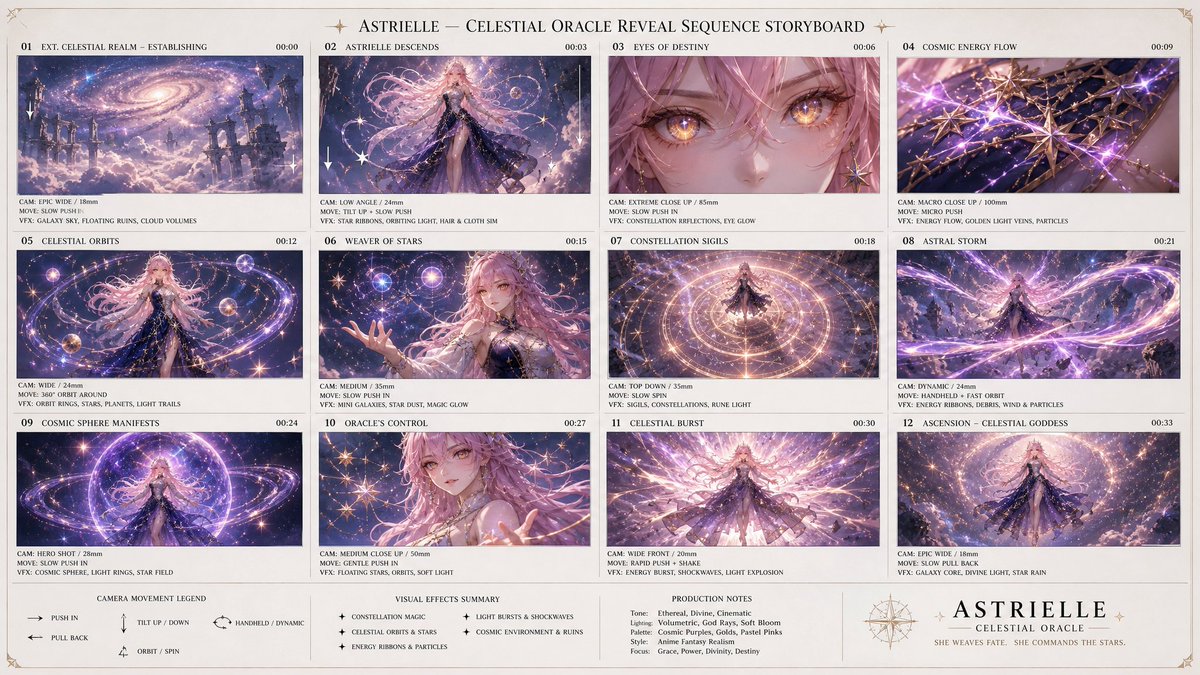
要求「一個 9 格分鏡」聽起來像是要九張圖,但 GPT Image 2 是一次性把整個網格畫出來的。這就是訣竅:每一格都是一起取樣的,所以它們會自動共享光照、角色與風格——這是九次單獨生成幾乎做不到的。
失敗點不在一致性,而在控制。一旦含糊,模型會自己編出格數、閱讀順序與裁切方式。prompt 的任務就是釘死網格骨架,讓模型只需填充內容。
參考圖錨定的網格
最強的版本從一張基礎圖出發,要求網格是它的變體,而不是全新創作。這樣每個格子裡的主體都保持一致。
Using the provided reference image, create a 3×3 storyboard grid. Every panel features the SAME subject from the reference (identical face/product, identical styling). Keep one consistent cinematic color grade across all 9 panels. Vary only camera angle and action per panel: 1) wide establishing shot, 2) medium shot, 3) extreme close-up detail, 4) over-the-shoulder, 5) low angle, 6) high angle, 7) profile, 8) action/motion, 9) hero beauty shot. Thin neutral gutters between panels, no text labels.「每一格都呈現同一個主體……只變化機位」是承重指令。沒有一份明確的九鏡清單,模型會重複兩三個想法,剩下的湊數。
控制格數與版式
GPT Image 2 對顯式幾何的遵循遠好於隱含的數量。要說得直白:
- 寫明列 × 行,不要只給總數(「6 格的 2×3 網格」勝過「6 格」)
- 定義閱讀順序(「從左到右,從上到下」),否則模型可能打亂次序
- 指定格間距與比例(「細白格間距,每格 1:1」)以防各格糊在一起
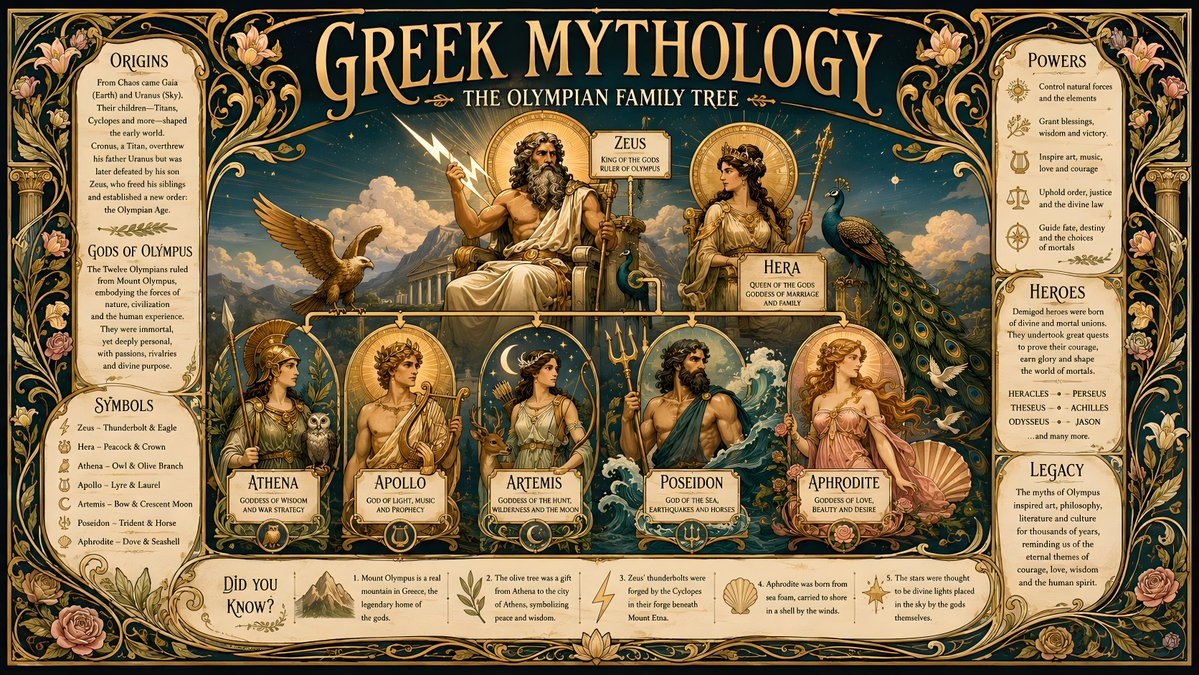
- 如果需要標籤,明確要求並說明位置(「每格下方一條小標題列」)——否則要麼沒有,要麼是亂碼文字
產品廣告分鏡(商業工作流)
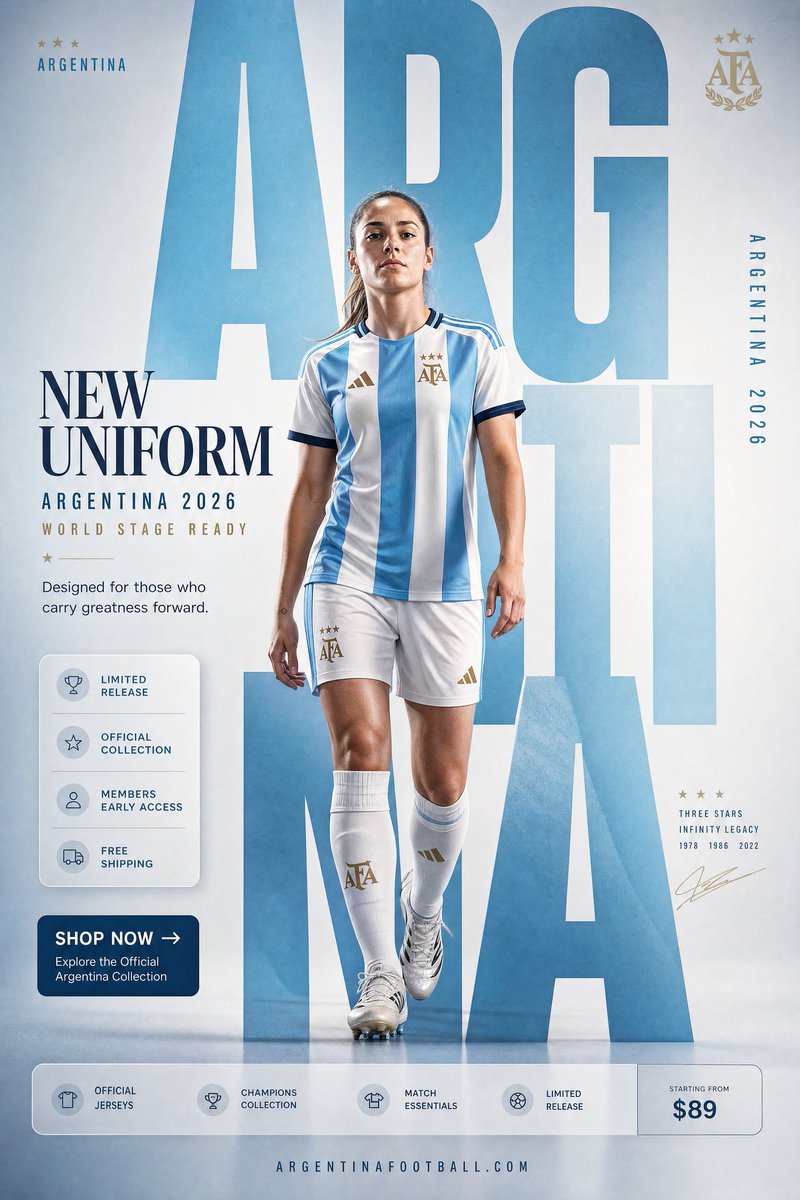
這是許多電商 prompt 案例背後的技術:一張產品圖變成一份完整的 TVC 鏡頭清單。把乾淨的產品作為參考圖餵進去,要求一份帶編號的廣告分鏡。
Using the provided product photo, build a 9-panel commercial storyboard for a 15-second ad. Keep the product 100% identical in every panel (shape, label, color — do not redesign). Panels: 1) lifestyle establishing scene, 2) product hero on surface, 3) macro texture/detail, 4) in-use by a hand, 5) key feature callout, 6) social/lifestyle moment, 7) size/scale reference, 8) packaging shot, 9) brand close with the product as hero. Warm premium lighting, shallow depth of field, consistent set throughout. Small scene number in each panel corner.保持跨格一致性
即便是一次性生成,長網格到最後一列也可能漂移。三種加固有幫助:在 prompt 接近結尾處重複鎖定短語(「同一個產品/角色」);把格數封頂在 9(超過之後每格品質急劇下降——改為拆成兩個網格);如果某一格出錯,用網格本身作為新參考圖重新生成,並只要求修那一格。
常見翻車與修法
- 各格無間距糊在一起 → 明確要求「每格之間留清晰的細間距」
- 模型自己編出不同格數 → 寫明確切的列 × 行並在 prompt 裡給格子編號
- 主體到第 7–9 格漂移 → 使用參考圖,並在 prompt 靠後處重複同主體鎖定
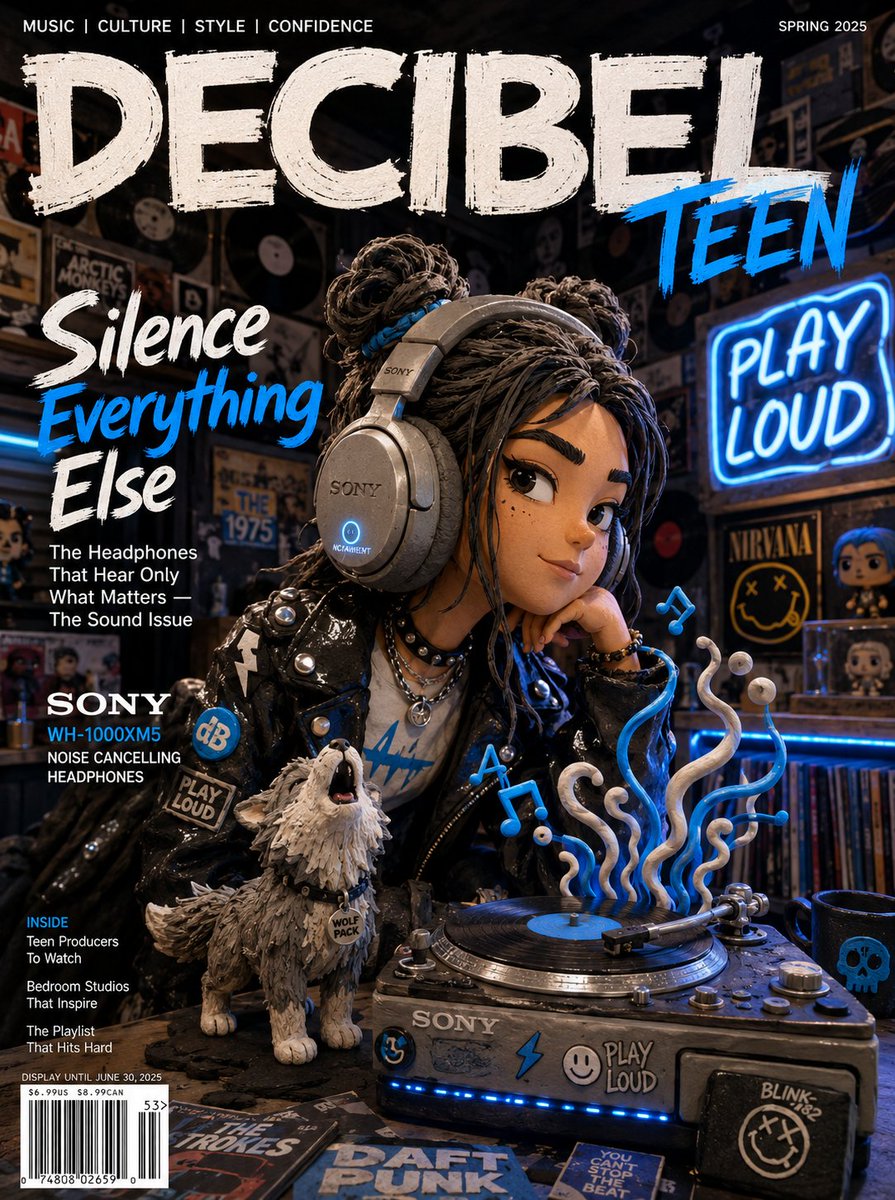
- 標題文字亂碼 → 要麼省略標籤,要麼要求非常短、位置明確的標題
- 12 格以上品質變薄 → 封頂在 9;額外鏡頭作為共享同一參考圖的第二個網格生成
Try these GPT Image 2 prompts