Storyboards, Grids & Multi-Panel Generation in GPT Image 2
Reference anchoring, panel-count control, and cross-panel consistency — turning one image into a full storyboard.
Why grids are hard (and why they work anyway)
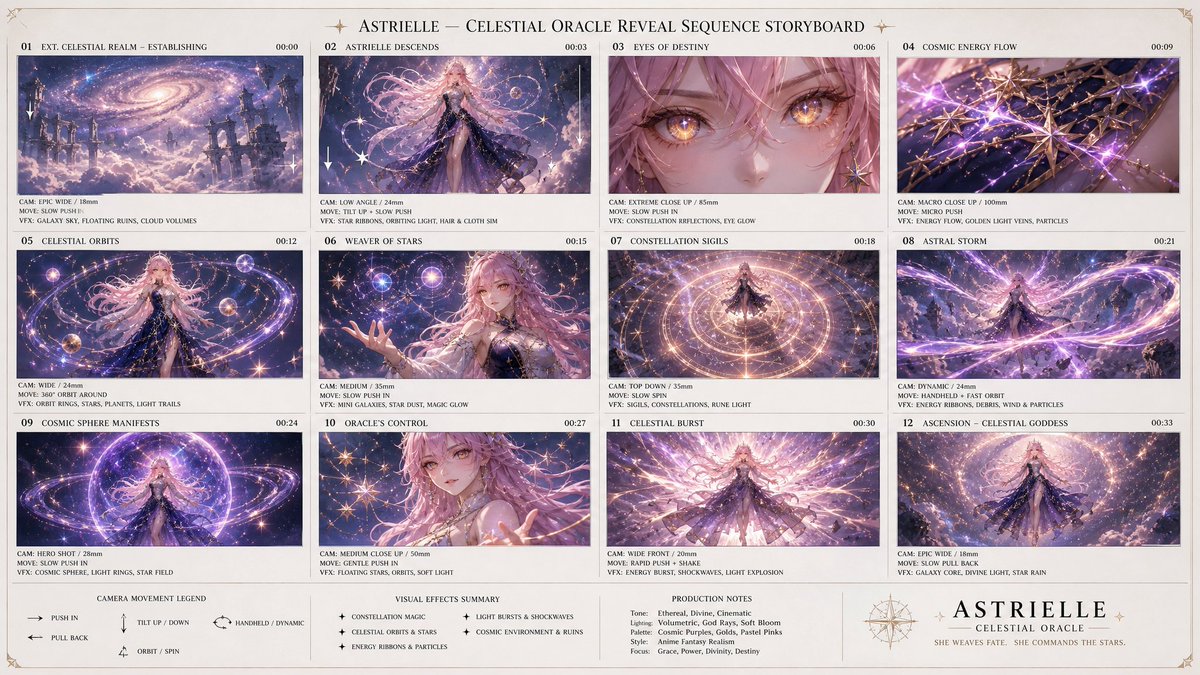
Asking for "a 9-panel storyboard" sounds like asking for nine images, but GPT Image 2 draws the whole grid in one pass. That is the secret: every panel is sampled together, so they share lighting, character, and style automatically — something nine separate generations almost never achieve.
The failure mode isn't consistency, it's control. Left vague, the model invents its own panel count, reading order, and crop. The job of the prompt is to nail down the grid skeleton so the model only has to fill it.
The reference-anchored grid
The strongest version starts from a base image and asks the grid to be variations of it, not new inventions. This keeps the subject identical across every cell.
Using the provided reference image, create a 3×3 storyboard grid. Every panel features the SAME subject from the reference (identical face/product, identical styling). Keep one consistent cinematic color grade across all 9 panels. Vary only camera angle and action per panel: 1) wide establishing shot, 2) medium shot, 3) extreme close-up detail, 4) over-the-shoulder, 5) low angle, 6) high angle, 7) profile, 8) action/motion, 9) hero beauty shot. Thin neutral gutters between panels, no text labels."Every panel features the SAME subject … vary only camera angle" is the load-bearing instruction. Without an explicit list of nine shots, the model duplicates two or three ideas and pads the rest.
Controlling panel count and layout
GPT Image 2 follows explicit geometry far better than implied counts. Be literal:
- State rows × columns, not just a total ("a 2×3 grid of 6 panels" beats "6 panels")
- Define reading order ("left to right, top to bottom") or the model may scatter the sequence
- Specify gutters and aspect ("thin white gutters, each panel 1:1") to stop panels bleeding together
- If you need labels, ask for them explicitly and say where ("a small caption bar under each panel") — otherwise expect none or garbled text
Product-ad storyboards (the commercial workflow)
This is the technique behind many e-commerce prompt cases: one product photo becomes a full TVC shot list. Feed the clean product as reference and request a numbered ad storyboard.
Using the provided product photo, build a 9-panel commercial storyboard for a 15-second ad. Keep the product 100% identical in every panel (shape, label, color — do not redesign). Panels: 1) lifestyle establishing scene, 2) product hero on surface, 3) macro texture/detail, 4) in-use by a hand, 5) key feature callout, 6) social/lifestyle moment, 7) size/scale reference, 8) packaging shot, 9) brand close with the product as hero. Warm premium lighting, shallow depth of field, consistent set throughout. Small scene number in each panel corner.Holding consistency across panels
Even in one pass, long grids can drift by the last row. Three reinforcements help: repeat the lock phrase ("the SAME product/character") near the end of the prompt; cap panels at 9 (beyond that, quality-per-panel drops fast — split into two grids instead); and if one panel is wrong, regenerate using the grid itself as the new reference and ask to fix only that cell.
Common failures and fixes
- Panels merge with no gutters → explicitly request "clear thin gutters between every panel"
- Model invents a different count → state exact rows × columns and number the panels in the prompt
- Subject drifts by panel 7–9 → use a reference image and repeat the SAME-subject lock late in the prompt
- Garbled caption text → either omit labels or request very short, explicitly-placed captions
- Quality thins on 12+ panels → cap at 9; generate additional shots as a second grid sharing the same reference
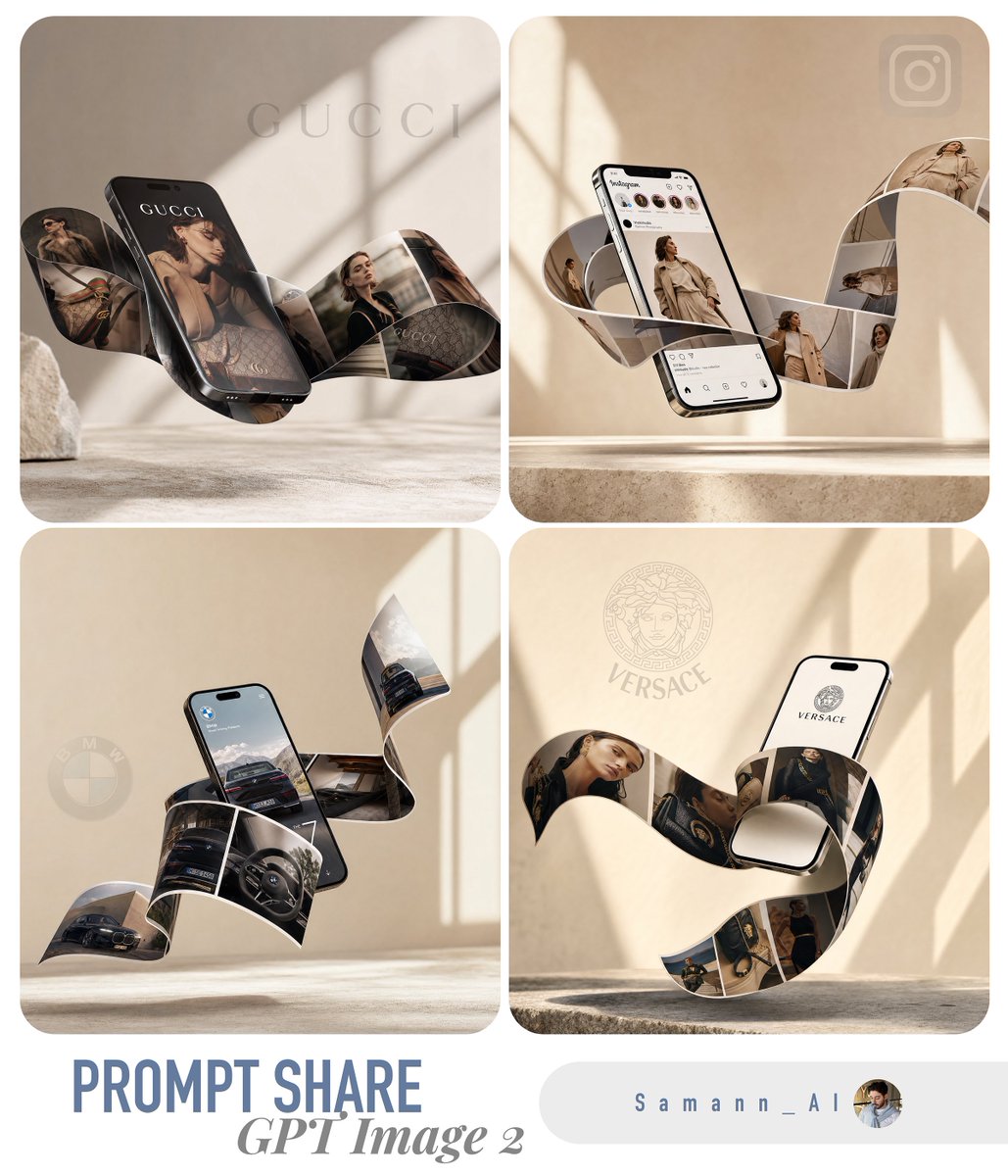
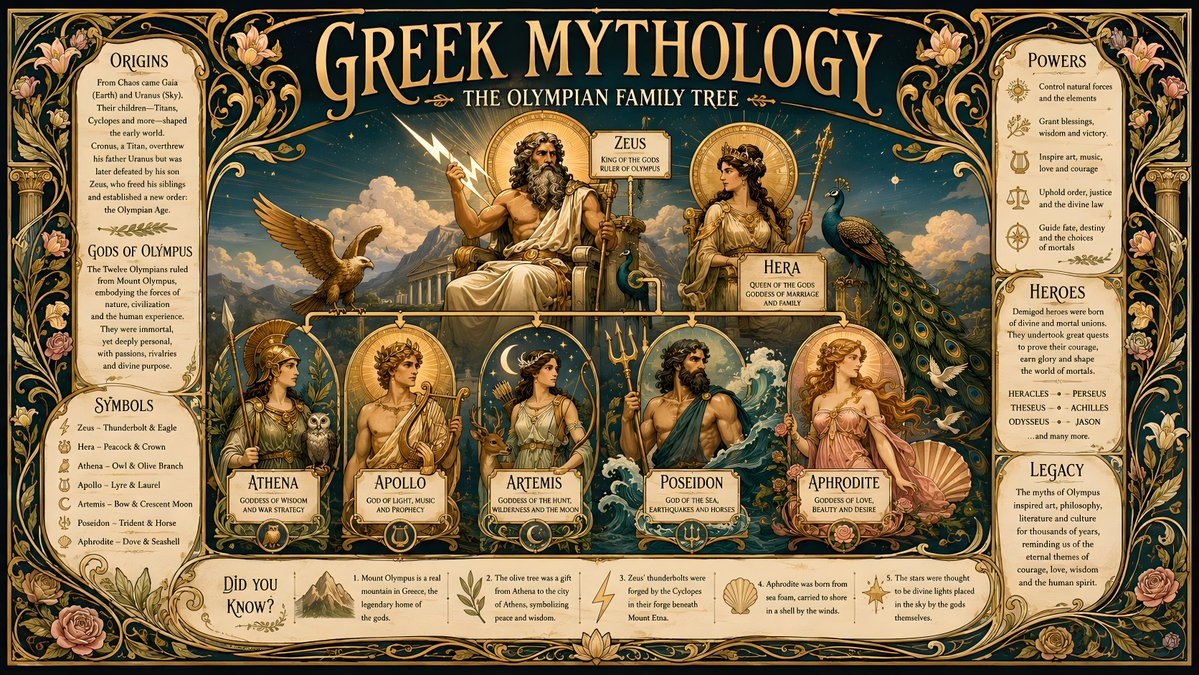
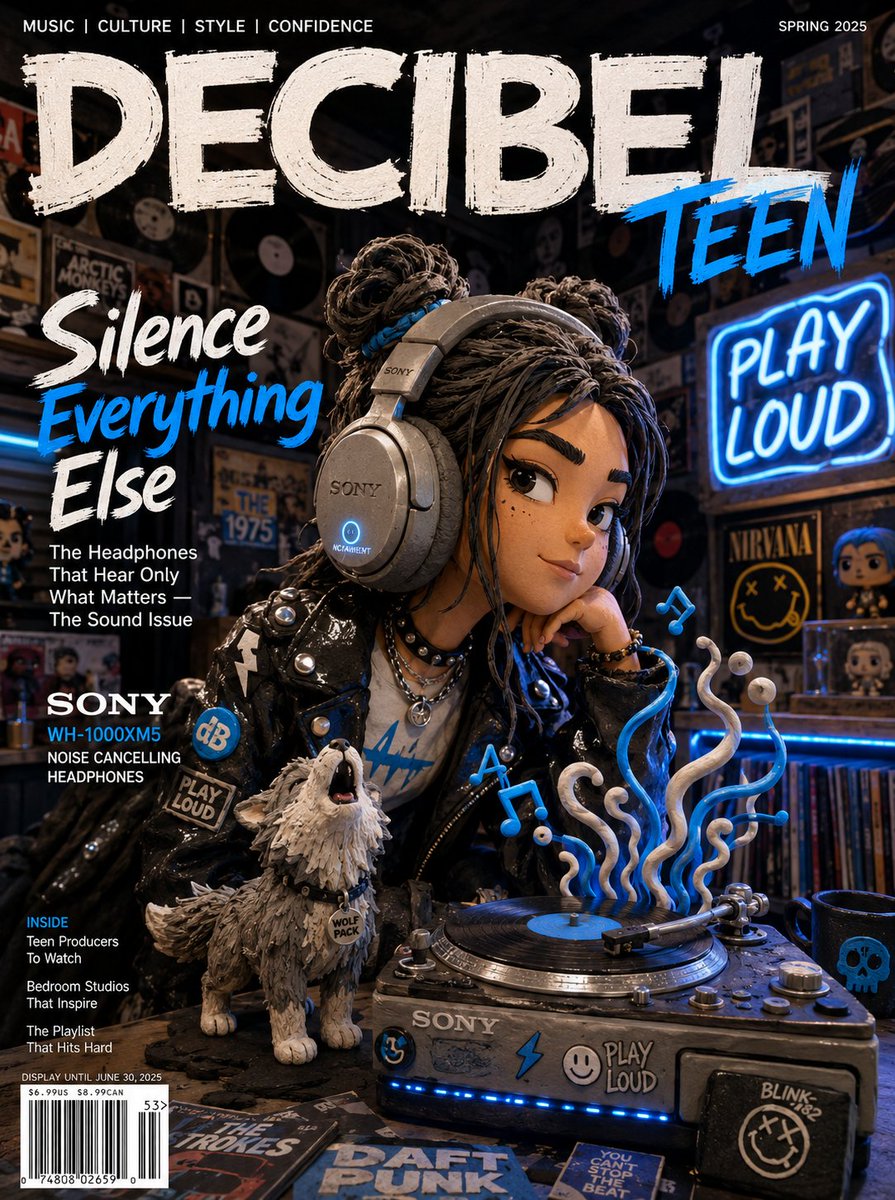
Try these GPT Image 2 prompts

Try these techniques now
Open the free GPT Image 2 generator and put this into practice — 20 free credits, no credit card.