導演式調教 GPT Image 2 人像:鏡頭、打光與「去 AI 臉」打法
模型的指令遵循足夠好,能聽你調度。把人像寫成分層的拍攝 brief——主體、鏡頭、打光、構圖——並用「視覺事實」代替誇獎詞,擺脫塑膠 AI 臉。
像寫拍攝 brief 一樣,分層寫人像 prompt
GPT Image 2 在拍人這件事上的強項是高指令遵循:你的 prompt 越像一份真實的拍攝 brief,它執行得就越忠實。所以別再寫一長串句子了,改成分層寫、用換行分隔——模型對結構化輸入的遵循更可靠。
Subject: a 38-year-old man, short dark hair, light stubble, calm confident expression, charcoal wool blazer.
Camera: 85mm lens, f/2.8, eye-level medium close-up, shallow depth of field.
Lighting: soft key from camera-left at 45 degrees, soft fill from the right, subtle rim light, slight catchlights.
Composition: light grey seamless backdrop, softly out of focus.
Constraints: natural skin texture, unretouched, no beauty filter, no plastic skin.
最重要的習慣,是直接從攝影師那裡偷來的:用「視覺事實」代替誇獎。「Beautiful、gorgeous、ultra-realistic(漂亮、驚艷、超寫實)」會把模型拉向它那張過度修過的平均臉,給你一張塑膠臉。「Window light from camera-left, 50mm, visible pores(機位左側的窗光、50mm、可見毛孔)」則把它拉向真實照片。去描述相機會看到什麼,而不是你有多喜歡它。
鏡頭與景深:暗示「真實」的相機語言
一個焦段就是一條單詞級的指令,卻承載著一整套觀感,因為模型是從真實照片裡學會每一個焦段的:
- 85mm:經典的頭肩像,面部壓縮討喜,背景柔和分離。
- 50mm:自然、親近的中景,帶紀實感。
- 35mm film photograph(35mm 底片照片):環境人像,街拍風格美學。
- Medium-format portrait(中片幅人像):高細節、商業級的渲染。
把鏡頭與一個光圈(f/1.4 到 f/2.8)和「shallow depth of field(淺景深)」搭配,讓主體與背景分離。一條有記錄在案的注意事項:堆砌技術參數會被「寬鬆地解讀」。挑一個焦段、一個光圈、一套打光配方——而不是十個參數。
值得背下來的打光配方
命名好的打光樣式,每一個都會觸發模型早已理解的一整套燈位:
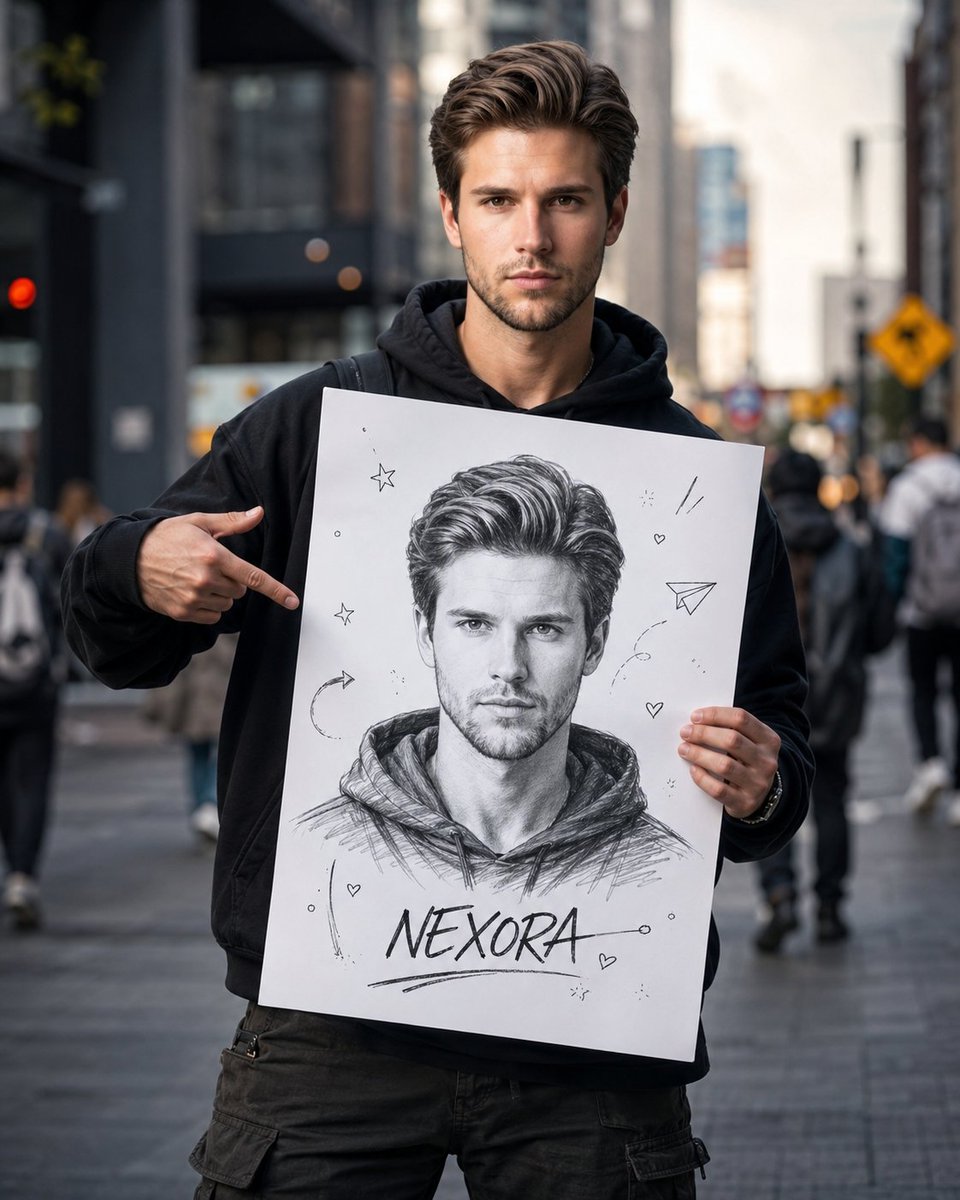
- Rembrandt(林布蘭光):「distinctive triangle of light on the shadowed cheek, deep shadows on one side(陰影側臉頰上有一塊標誌性的三角光區,一側深陰影)」——經典、戲劇化,非常適合男性人像。
- Butterfly 或 Paramount(蝶光 / 派拉蒙光):「light from above and in front, small butterfly shadow under the nose, even cheeks(來自上方且偏前的光、鼻下一小塊蝶形陰影、兩頰均勻)」——討喜,適合美妝與魅力風。
- Rim 或 backlight(邊緣光 / 逆光):「bright outline of light around head and shoulders, hair glowing, dark background(頭肩周圍一圈明亮的光輪廓、髮絲發光、深色背景)」——電影感的分離。
- Split 或 chiaroscuro(分割光 / 明暗對照法):「hard key from one side, half the face in shadow(一側硬主光、半張臉沒入陰影)」——張力最大。
然後加上那個能讓死氣沉沉的 AI 眼睛活過來的細節:「slight catchlights in both eyes(雙眼中輕微的眼神光)」。虹膜裡的一個反射光點,是區分「被導演過的人像」與「無生氣的渲染圖」最快的方式之一。
「去 AI 臉」打法
那張塑膠感、蠟質感、對稱得可疑的臉,是模型在向它那張修過的人像平均臉預設回退。你要從兩條戰線打敗它。第一,刪掉觸發詞——「beautiful、perfect skin、flawless、ethereal、ultra-realistic(漂亮、完美皮膚、無瑕、空靈、超寫實)」——這些會把結果拉向濾鏡化的均值。第二,開出真實皮膚的物理處方:
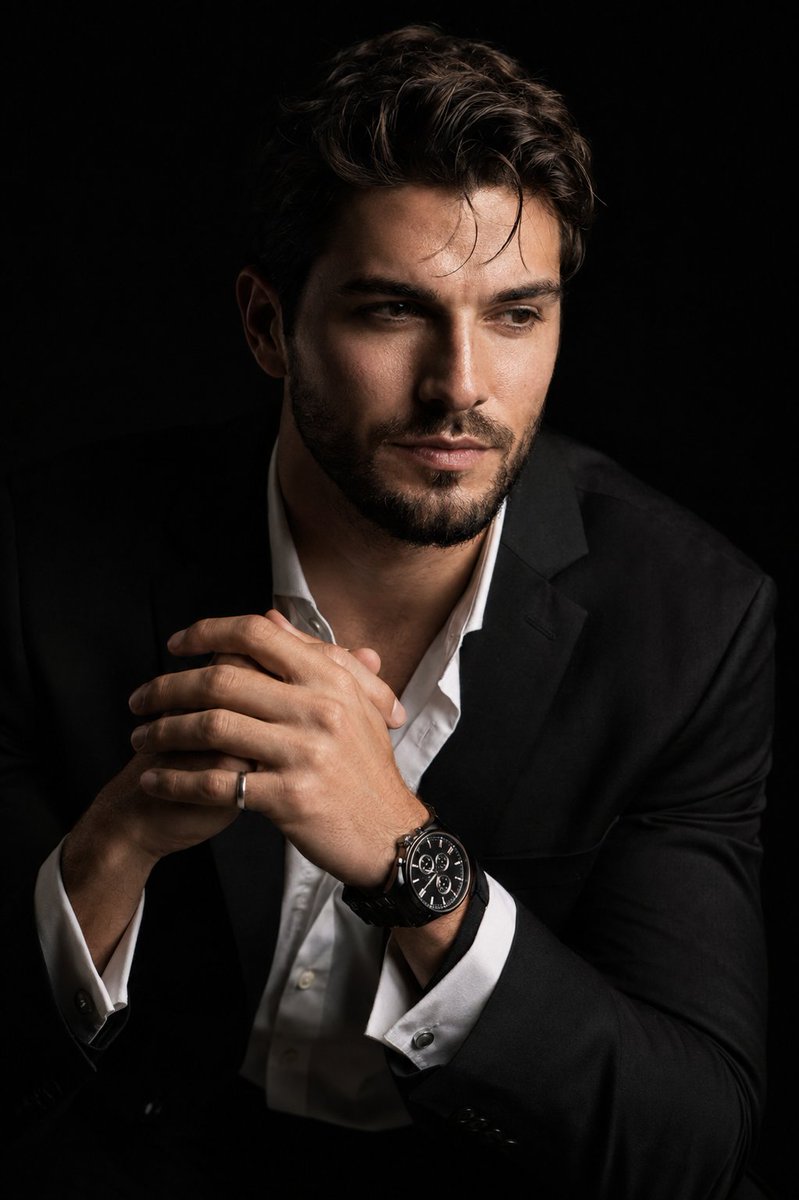
natural skin texture, visible pores, fine wrinkles, slight freckles, mild asymmetry, unretouched. No beauty filter, no plastic skin, no over-smoothing, no AI glow.強力的人像 prompt 都用同樣的方式錨定真實感,用上「weathered skin with visible wrinkles, pores and sun texture(帶可見皺紋、毛孔和曬痕的風霜皮膚)」這類短語。口訣很簡單:不完美即真實。一點不對稱、幾處瑕疵會被讀成照片;完美對稱則讀成渲染圖。
三個可直接貼上的人像範本
影棚商業證件照:
Photorealistic studio headshot of a 38-year-old man, short dark hair, light stubble, confident calm expression, charcoal wool blazer over a white shirt. 85mm lens at f/2.8, eye-level medium close-up, shallow depth of field, light grey seamless backdrop softly out of focus. Soft key light from camera-left at 45 degrees (loop lighting), large fill from the right, subtle rim light, slight catchlights in both eyes. Natural skin texture with visible pores and fine lines, unretouched, neutral color balance. No beauty filter, no plastic skin, no over-smoothing.戶外自然光人像:
Candid photorealistic portrait of a 27-year-old woman with wavy auburn hair, light freckles, relaxed genuine half-smile, cream linen shirt, walking through a wildflower meadow. 50mm lens at f/1.8, three-quarter turn toward camera, eye-level medium shot, shallow depth of field with soft golden bokeh. Golden-hour backlight creating a warm rim light on her hair, soft reflector fill, gentle catchlights. Realistic skin texture, visible pores, slight asymmetry, subtle film grain, honest and unposed. No glamorization, no heavy retouching, no waxy skin.電影感情緒人像:
Cinematic photorealistic portrait of a weathered 55-year-old fisherman, deep facial lines, grey beard, contemplative gaze just off-lens, worn navy raincoat. 85mm lens at f/2.0, tight head-and-shoulders framing, eye level, dark moody harbor at dusk blurred behind. Chiaroscuro: single hard key from camera-right carving deep shadow across half the face (split lighting), cool rim light outlining the shoulders, strong catchlights. Teal-and-amber color grade, subtle film grain, weathered skin with visible pores and sun texture, every wrinkle visible. No stylization, no plastic skin, no symmetry, no AI glow.坑點:手、漂移,以及保持同一張臉
三種要提前規避的失敗模式:
- 手畫崩:構圖取到頭肩像以避開手;如果必須露手,加上「hands relaxed and anatomically correct, five fingers(手放鬆、解剖正確、五根手指)」。
- 參數過載:太多參數會被忽略——每個 prompt 保持一個鏡頭、一個光圈、一套打光配方。
- 臉在多次修改間漂移:GPT Image 2 能從參考圖裡守住一個身分,但你必須每一輪都重複這道鎖定。
要在多張圖裡保持同一個人,上傳一張參考圖,按角色給每張輸入打標籤(「Image 1: base scene, Image 2: face reference(圖 1:基礎場景,圖 2:人臉參考)」),並在每次迭代時重申不變量:「preserve face, facial features, skin tone, hair and proportions exactly(精確保留臉、面部特徵、膚色、頭髮和比例)」。這套身分鎖定工作流在我們關於角色與產品一致性的指南裡有專門的深入講解。
本站的 GPT Image 2 免費起步——註冊送 20 積分,無需綁卡。去 gpt-img2.com 拍下你的第一批人像,並瀏覽人像 prompt。積分定價透明,遠低於官方 API 的每張圖價格。
Try these GPT Image 2 prompts