Workflows·8 分鐘閱讀
GPT Image 2 多圖融合與參考圖工作流
主體保留、風格遷移、場景合成、產品置入——以及一條真實的電商分鏡工作流。
參考圖是一條指令,不是一個濾鏡
大多數人把參考圖當成只會一招的 image-to-image 滑桿。GPT Image 2 的可控性遠不只如此:參考圖是原料,由你的 prompt 決定保留它的哪些屬性、捨棄哪些。同一張參考圖,說「保留主體、改變風格」還是「保留風格、改變主體」,結果天差地別。
模式 1 —— 主體保留
保留物體本身,改變它周圍的世界。這是角色與產品一致性的根基。
Using the provided reference, keep the product exactly as-is — same shape, label, and proportions, locked 100%. Restage it in a bright minimalist studio with soft diffused lighting and a pale gradient background. Premium commercial product photography, no text.模式 2 —— 風格遷移
保留外觀,改變內容。適合打造一套視覺統一的素材(一個部落格、一個品牌、一條產品線),讓每張圖共享同一種處理風格。
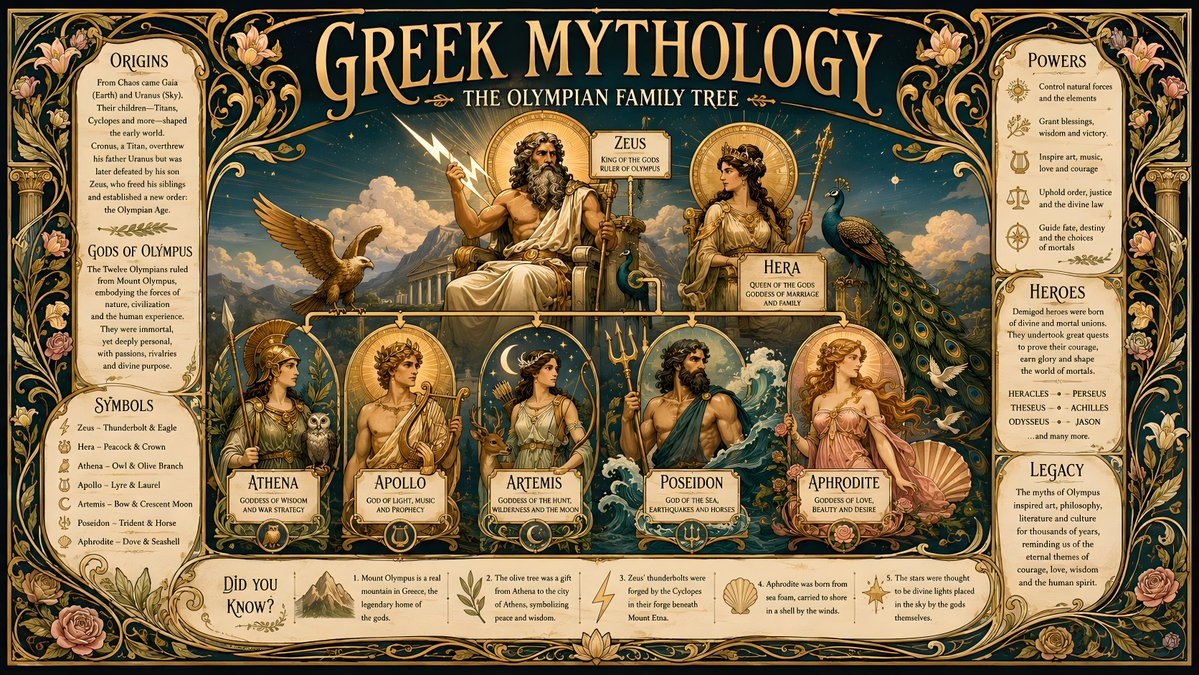
Match the color grading, lighting mood, grain, and overall aesthetic of the provided reference, but the subject is now a steaming bowl of ramen on a wooden table. Same cinematic treatment, new subject.模式 3 —— 場景合成(融合兩張參考圖)
GPT Image 2 能接收不只一張參考圖並將它們組合:主體來自圖 A,環境來自圖 B。這樣就能把特定人物或產品放進特定場景,無需在 Photoshop 裡去背合成。
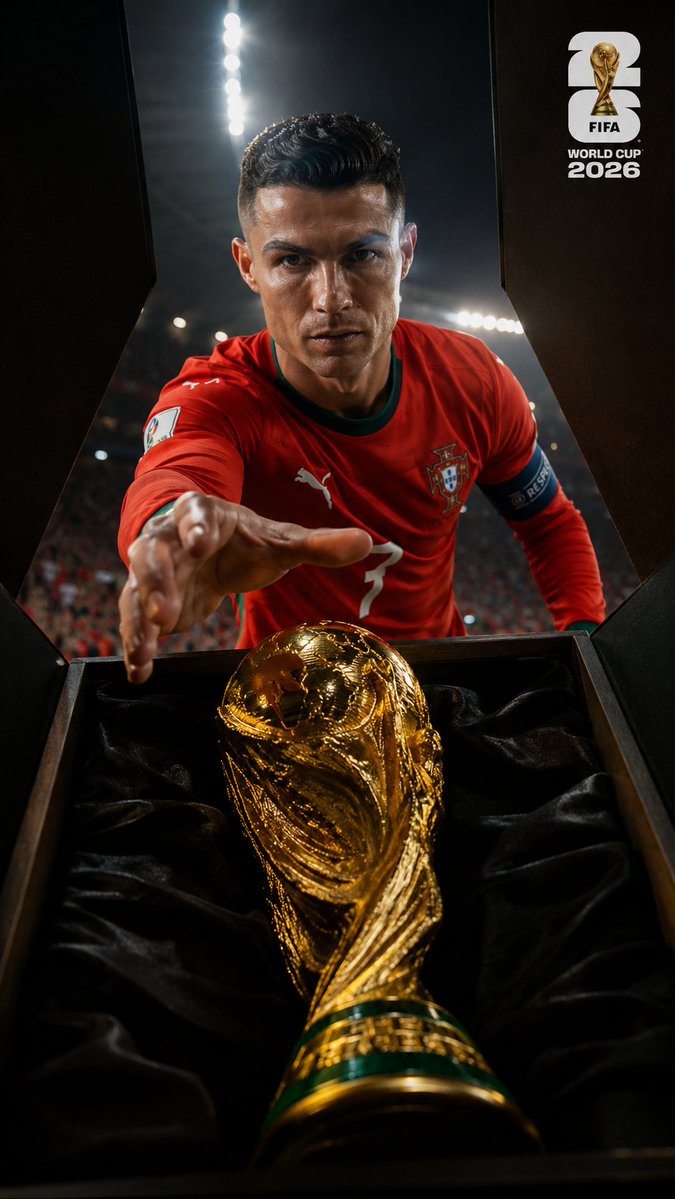
Combine the two references: take the person from the first image (keep face, hair, and outfit identical) and place them naturally into the environment from the second image. Match the lighting direction and color temperature of the environment so the subject looks truly present, not pasted. Photorealistic, consistent perspective.決定成敗的一句是「匹配光照……讓主體看起來真實在場,而不是貼上去的」。沒有它,你得到的是背景上的一張貼紙;有了它,你得到的是一個可信的場景。
模式 4 —— 產品置入
場景合成的一個商業特例:拿一張平淡的產品圖,把它放進生活化場景,同時讓產品本身原封不動——這點至關重要,因為顧客必須認得出他們要買的東西。
Using the provided product photo, keep the product 100% identical (shape, label, color). Place it on a marble kitchen counter beside fresh ingredients, warm morning light from a window, shallow depth of field, lifestyle commercial photography. Do not redesign or relabel the product.端到端:一張照片 → 一套完整廣告分鏡
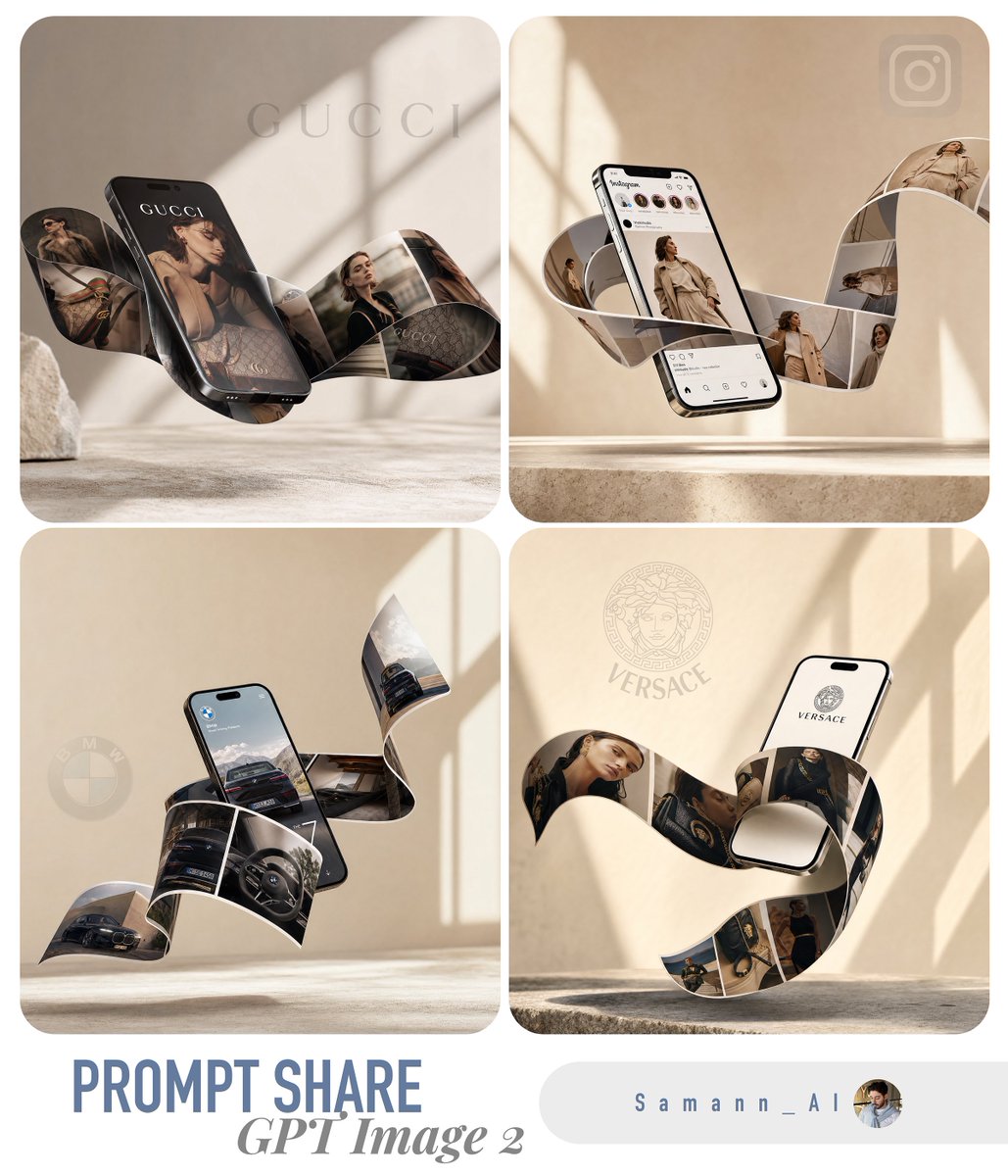
這就是我們 prompt 庫裡許多電商 prompt 背後的工作流。它把一張手機拍的產品照變成一套成品行銷素材:
- 第 1 步 —— 乾淨主圖:用主體保留 prompt 把原始照片變成精緻的攝影棚主圖
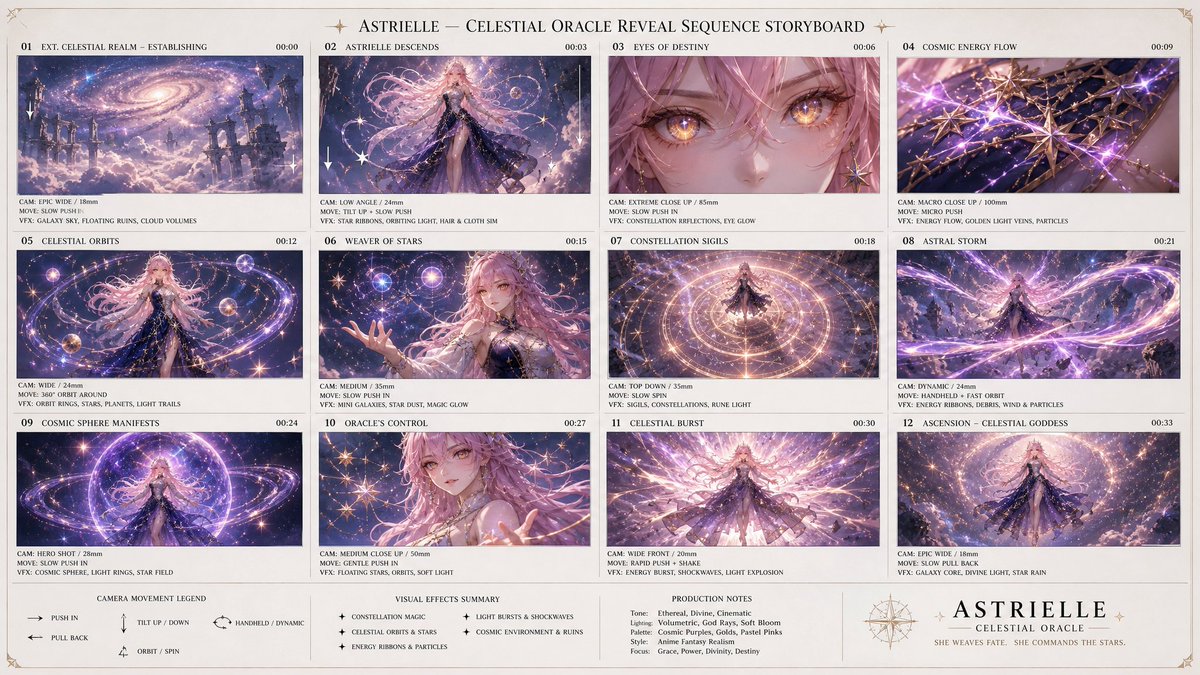
- 第 2 步 —— 分鏡:把主圖作為參考圖回餵,要求生成多格網格(建立鏡頭、微距細節、使用場景、生活風格、品牌特寫)——所有格子都共享同一張參考圖,因此都貼合產品
- 第 3 步 —— 變體:把主圖做風格遷移,生成季節性外觀(夏季、節慶)用於廣告輪播,無需重拍
- 第 4 步 —— 置入:把主圖做場景合成,放進 2–3 個生活化環境,用於社群與電商平台 listing
一個輸入,一整套創意素材,產品自始至終保持一致——因為每一步都是參考圖變換,而不是全新生成。
侷限與技巧
- 每條參考圖 prompt 都要明確寫清哪些鎖定、哪些可變——含糊就預設漂移
- 融合兩張參考圖時,給每張分配一個清晰的角色效果最好(「主體來自 A,環境來自 B」)
- 做產品時,永遠加上「不要重新設計或換標」——否則模型會自作主張「優化」標籤
- 光照匹配的措辭,是「拼貼感」與「可信感」之間的分水嶺
- 如果融合失敗,先減到一張參考圖,把它弄對,再重新引入第二張
Try these GPT Image 2 prompts