Multi-Image Fusion & Reference Workflows in GPT Image 2
Subject preservation, style transfer, scene composition, product placement — and a real e-commerce storyboard workflow.
A reference image is an instruction, not a filter
Most people treat reference images as a one-trick image-to-image slider. GPT Image 2 is far more controllable than that: the reference is raw material, and your prompt decides which properties of it to keep and which to discard. The same reference produces wildly different results depending on whether you say "keep the subject, change the style" or "keep the style, change the subject."
Mode 1 — Subject preservation
Keep the thing, change the world around it. This is the backbone of character and product consistency.
Using the provided reference, keep the product exactly as-is — same shape, label, and proportions, locked 100%. Restage it in a bright minimalist studio with soft diffused lighting and a pale gradient background. Premium commercial product photography, no text.Mode 2 — Style transfer
Keep the look, change the content. Useful for building a visually coherent set (a blog, a brand, a product line) where every image shares a treatment.
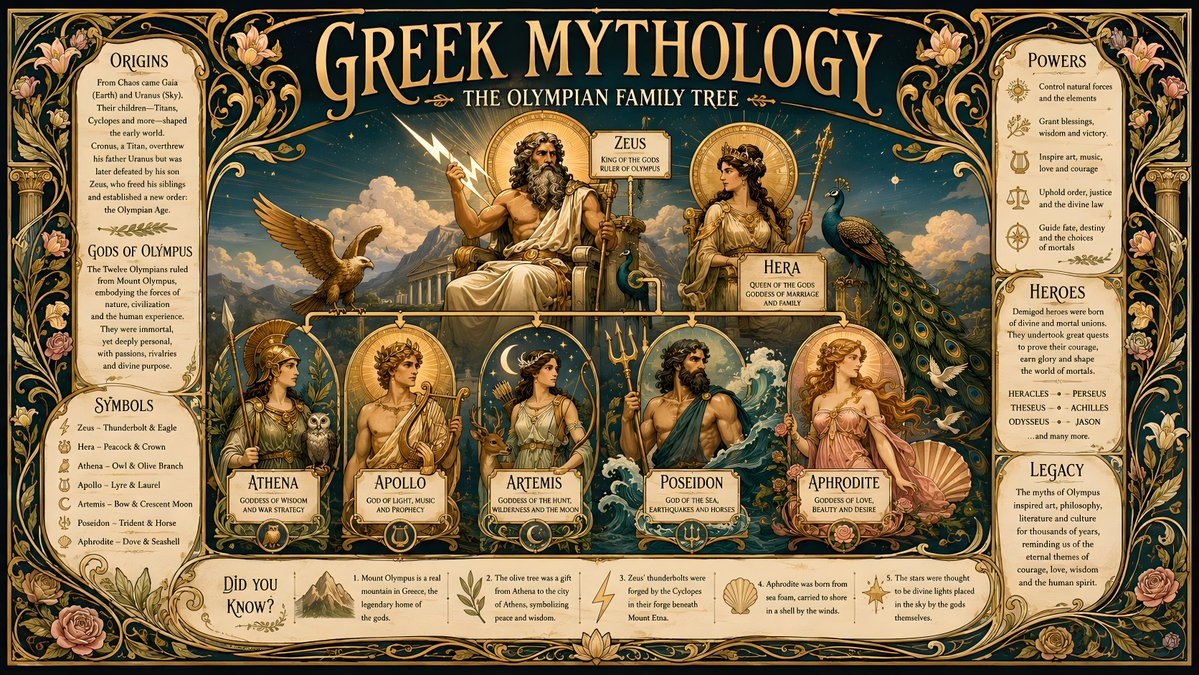
Match the color grading, lighting mood, grain, and overall aesthetic of the provided reference, but the subject is now a steaming bowl of ramen on a wooden table. Same cinematic treatment, new subject.Mode 3 — Scene composition (fusing two references)
GPT Image 2 can take more than one reference and combine them: subject from image A, environment from image B. This is how you place a specific person or product into a specific scene without compositing in Photoshop.
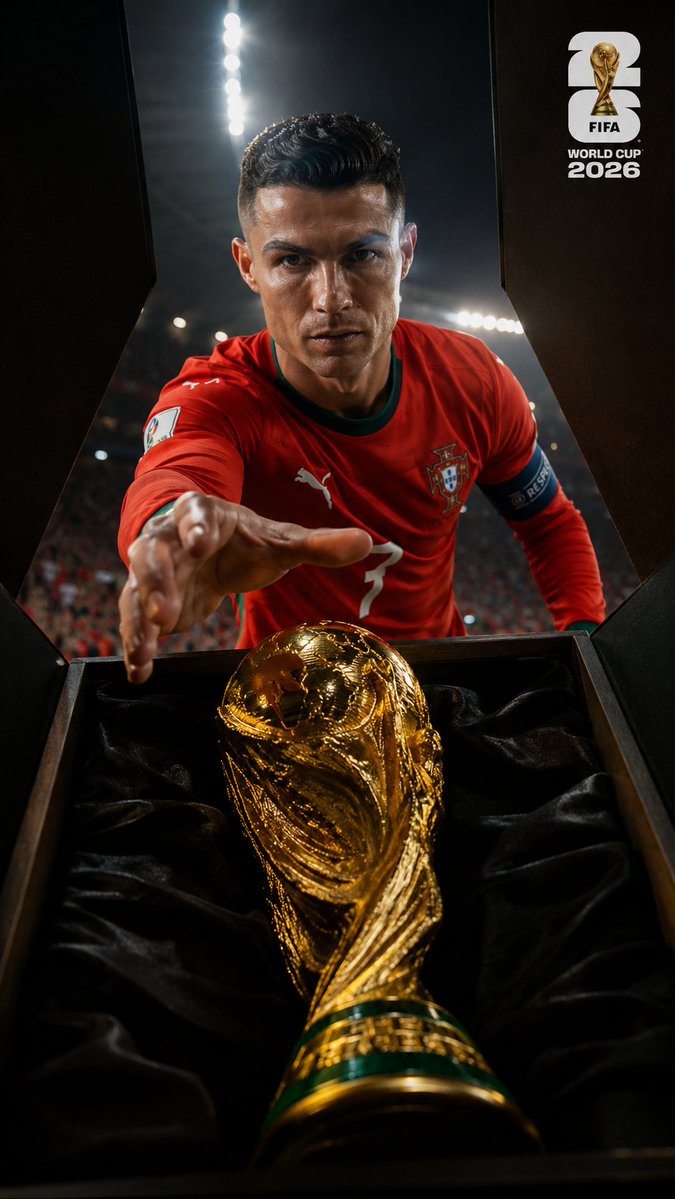
Combine the two references: take the person from the first image (keep face, hair, and outfit identical) and place them naturally into the environment from the second image. Match the lighting direction and color temperature of the environment so the subject looks truly present, not pasted. Photorealistic, consistent perspective.The make-or-break phrase is "match the lighting … so the subject looks truly present, not pasted." Without it you get a sticker on a background; with it you get a believable scene.
Mode 4 — Product placement
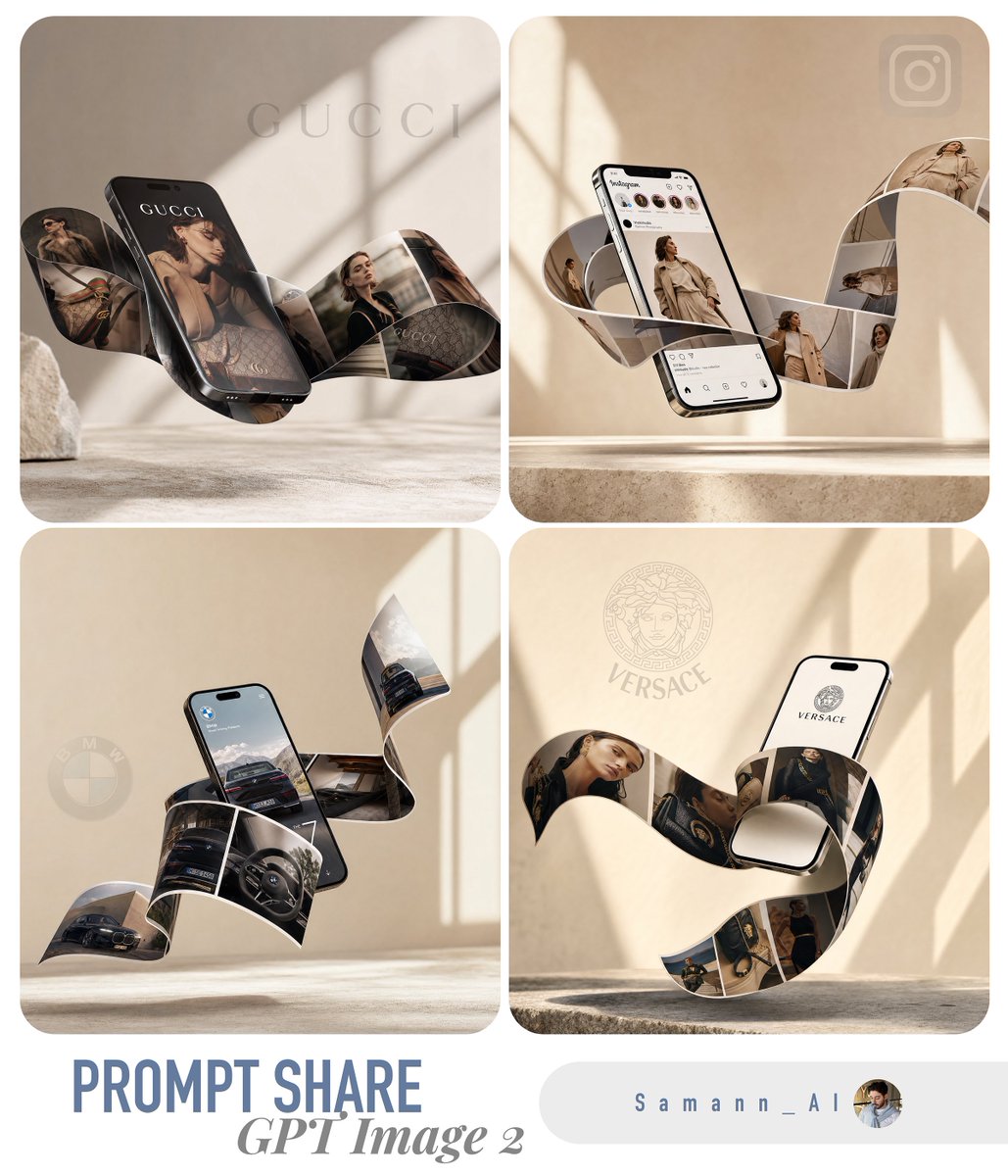
A commercial special case of scene composition: take a flat product shot and stage it in a lifestyle context while keeping the product itself untouched — critical, because customers must recognize what they are buying.
Using the provided product photo, keep the product 100% identical (shape, label, color). Place it on a marble kitchen counter beside fresh ingredients, warm morning light from a window, shallow depth of field, lifestyle commercial photography. Do not redesign or relabel the product.End-to-end: one photo → a full ad storyboard
This is the workflow behind many of the e-commerce prompts now in our prompt library. It turns a single phone photo of a product into a finished campaign:
- Step 1 — Clean hero: subject-preservation prompt to turn the raw photo into a polished studio hero image
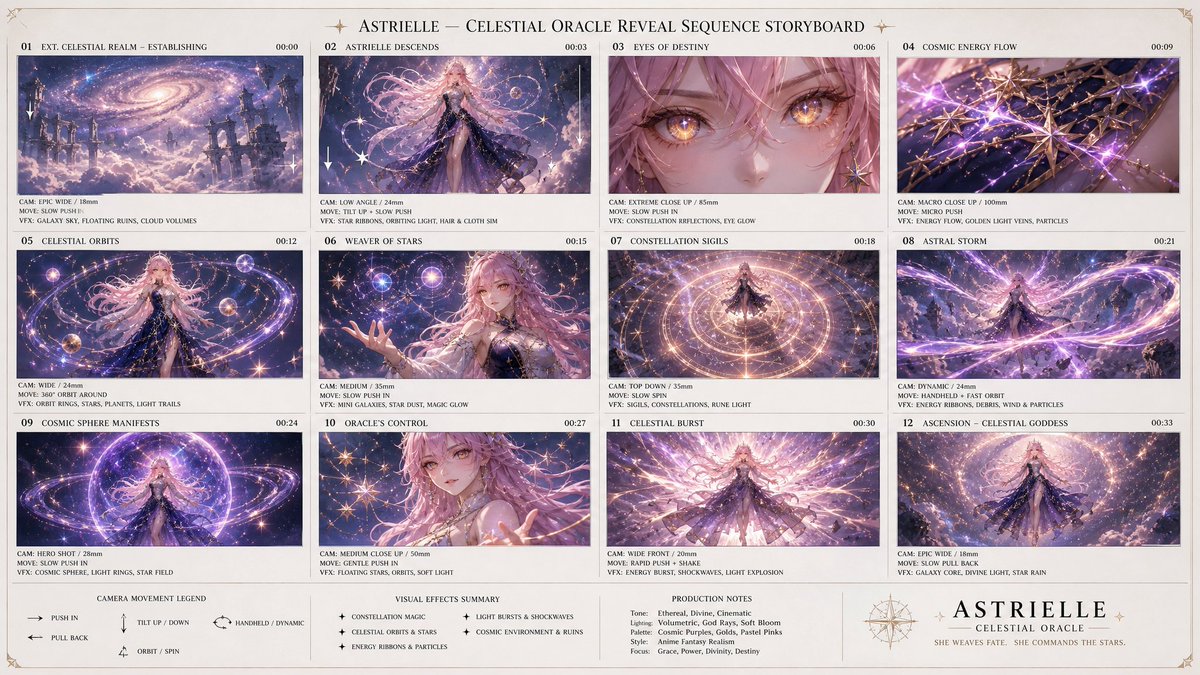
- Step 2 — Storyboard: feed the hero back as reference and request a multi-panel grid (establishing shot, macro detail, in-use scene, lifestyle, brand close) — all panels stay on-product because they share one reference
- Step 3 — Variations: style-transfer the hero into seasonal looks (summer, festive) for ad rotation without re-shooting
- Step 4 — Placement: scene-composition the hero into 2–3 lifestyle environments for social and marketplace listings
One input, a full creative set, the product identical throughout — because every step is a reference transformation, not a fresh generation.
Limits and tips
- Be explicit about what is locked vs free in every reference prompt — ambiguity defaults to drift
- Fusing two references works best when you assign a clear role to each ("subject from A, environment from B")
- For product work, always add "do not redesign or relabel" — the model otherwise 'improves' the label
- Lighting-match language is the difference between composited and believable
- If a fusion fails, reduce to one reference, get that right, then reintroduce the second
Try these GPT Image 2 prompts
Try these techniques now
Open the free GPT Image 2 generator and put this into practice — 20 free credits, no credit card.