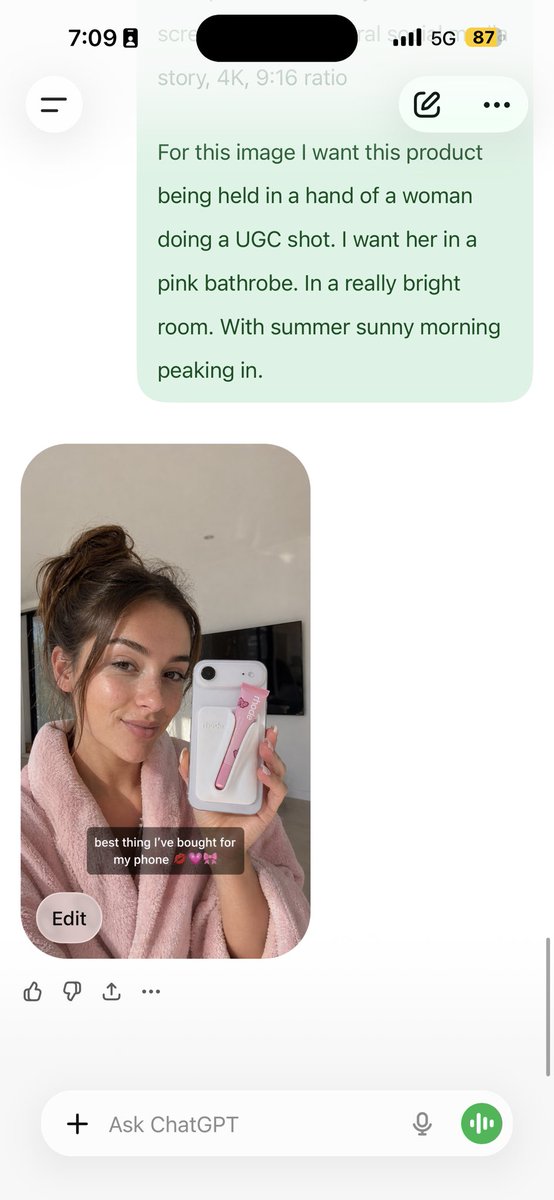
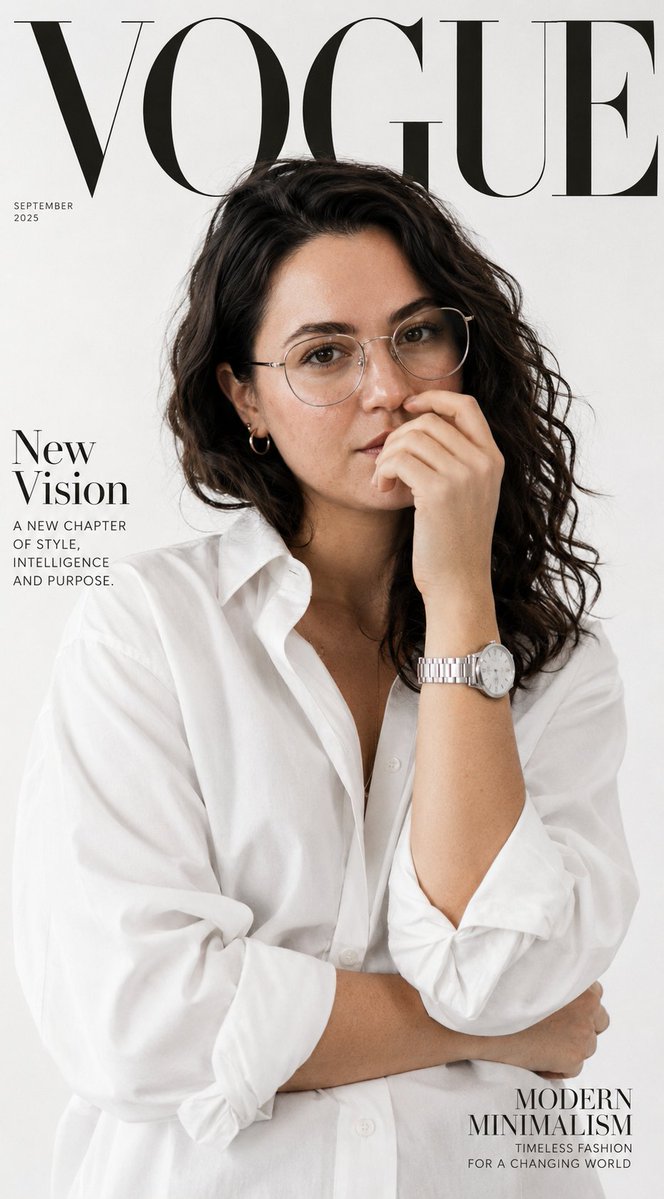
by @pavellaslov · 1:1 · portrait
analyze this photo and give me a detailed JSON prompt that recreates it. brea...
by @pavellaslov
Prompt
analyze this photo and give me a detailed JSON prompt that recreates it. break down the color grading and every exact color in the photo (use Opus, not Sonnet. Opus has stronger visual analysis and writes more detailed JSON) paste that JSON into ChatGPT upload your product image and prompt: using this JSON as reference, generate a person holding my product save that generated photo as your character reference attach it to every future generation for facial consistency you now have a consistent UGC model that works across any product the JSON controls the lighting and color grading. GPT image-2 handles the character. you control the product placement. the #1 tell on AI photos is flat colors and a grainy look. this method removes both. 5 minutes to set up. unlimited variations after.
Why this prompt works
This is a workflow, not a scene: the model analyzes a photo and outputs a detailed JSON prompt breaking down color grading and every exact color, then reuses that JSON for consistent UGC. Encoding lighting and grade as JSON while letting the image model handle the character is the actual trick.
Variations to try
- ·Have it output the JSON for a different reference photo style.
- ·Add explicit fields for lens and grain to the JSON schema.
- ·Use the saved character reference across several product shots.
Style & lighting notes
No fixed look is specified; the method's point is extracting color grading and lighting into reusable JSON to kill flat colors and the grainy AI tell, while the model handles the person.
Related prompts
Ready to create with GPT Image 2?
Join 3M+ creators using the GPT Image 2 generator to turn ideas into stunning visuals, fast.