How to Keep Characters & Products Consistent Across GPT Image 2 Images
Reference images, identity anchors, and character sheets — the techniques that actually hold an identity across multiple generations.
Why consistency is hard
Each GPT Image 2 generation is an independent sample. The model has no memory of the last image it made for you — it re-reads your prompt and draws a fresh interpretation. A description like "a young woman with brown hair" maps to millions of valid faces, so two runs give you two different people who happen to match the words.
Consistency is therefore not something you ask for once. It is something you engineer by removing ambiguity: either you pin the identity with pixels (a reference image), or you pin it with an unusually specific, repeated text description. Vague prompts drift; over-specified prompts hold.
Technique 1 — Reference image (the strongest lever)
GPT Image 2 accepts reference images. When you pass the same reference into every generation, you are no longer asking the model to invent a face — you are asking it to preserve one. This is by far the most reliable way to keep a person, mascot, or product identical across a set.
Phrase the prompt as a transformation of the reference, not a fresh description of it:
Using the provided reference image, keep the subject's face, hairstyle, and outfit 100% identical. Only change the scene to a sunlit Parisian café at golden hour. Same person, same clothing, new environment. Photorealistic, 50mm lens, shallow depth of field.The phrases that do the heavy lifting: "keep … 100% identical", "only change …", "same person". You are explicitly telling the model which dimensions are locked and which are free.
Technique 2 — The identity anchor (text-only consistency)
When you cannot use a reference image — for example, generating a brand-new character from scratch — build an identity anchor: a fixed block of hyper-specific attributes that you paste verbatim into every prompt. Treat it like a character's DNA string.
A weak description leaves too much to chance. A strong anchor nails down the traits the model would otherwise randomize:
- Face: exact age, face shape, skin tone, distinctive features (a small mole, freckles, a scar) — distinctive features anchor harder than generic ones
- Hair: precise color, length, texture, and a specific style ("messy high ponytail with two loose front strands"), not just "long brown hair"
- Wardrobe: a signature outfit described down to material and fit — recurring clothing reads as the same character even when the face wobbles slightly
- A short character name used consistently — naming the subject gives the model a single concept to attach traits to
Then reuse the anchor block at the top of every prompt and only vary the scene below it. The more unusual and specific the anchor, the less the model improvises.
Technique 3 — One-shot character sheets
Instead of generating ten images and hoping they match, generate one image that contains all the views you need. GPT Image 2 is strong at structured, multi-panel layouts, so a character turnaround sheet keeps every angle perfectly consistent because they were all drawn in the same pass.
Character reference sheet for a single original character on a clean neutral background. Show, in one image: front view, 3/4 view, side profile, and back view, all the SAME character with identical face, hairstyle, and outfit across every pose. Add two facial expression close-ups (neutral and smiling). Consistent proportions, model-sheet style, even lighting, no text labels.Use the resulting sheet itself as the reference image for downstream scene generations. You have effectively bootstrapped a stable identity from nothing.
Technique 4 — Iterate, don't restart
When an image is 90% right, do not throw it away and re-roll. Feed it back as the reference and ask for a surgical edit: "same image, but change only the jacket color to deep green; keep everything else pixel-identical." Each round preserves what worked and changes one variable. Restarting from text reintroduces all the randomness you just eliminated.
Common failures and fixes
- Face drifts between runs → switch from text description to a reference image; text alone rarely holds a face across many images
- Outfit changes every time → move wardrobe into the identity anchor and describe material + fit, not just color
- Reference ignored → make the prompt explicitly a transformation ("using the provided image, keep X, change only Y") instead of a new description
- Character looks 'related but not the same' → your anchor is too generic; add one or two genuinely distinctive features the model can latch onto
- Multi-panel sheet has inconsistent panels → state "the SAME character" inside the prompt and request fewer panels per image
The short version
Reference image for the strongest lock. Identity anchor when you have no reference. Character sheet to bootstrap a new identity in one pass. Iterate on near-misses instead of re-rolling. Consistency is removed ambiguity, not a magic keyword.
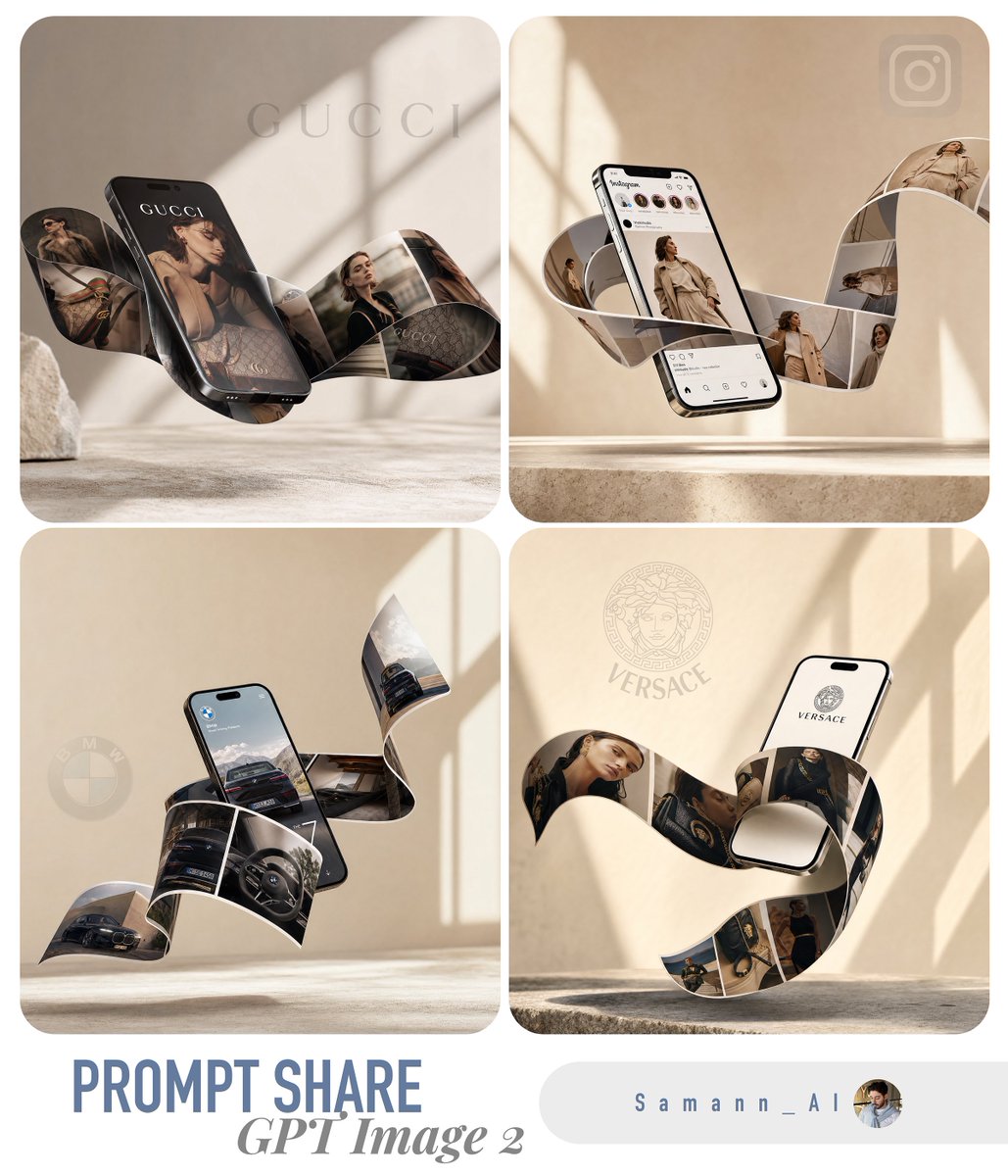
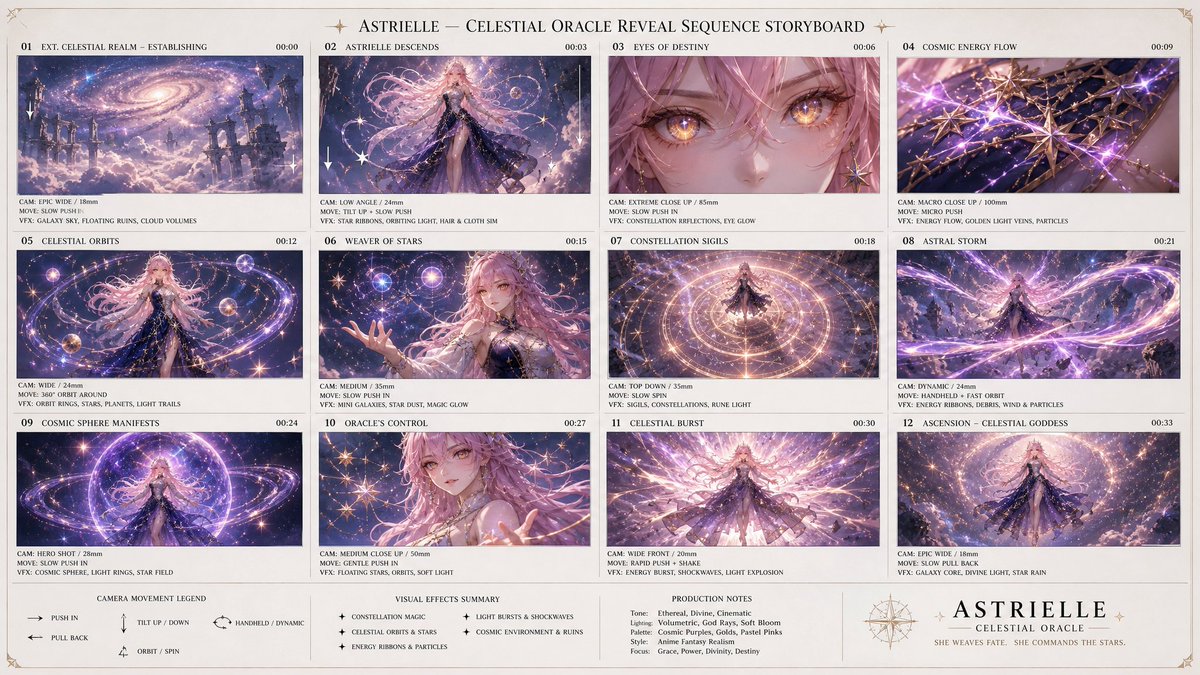
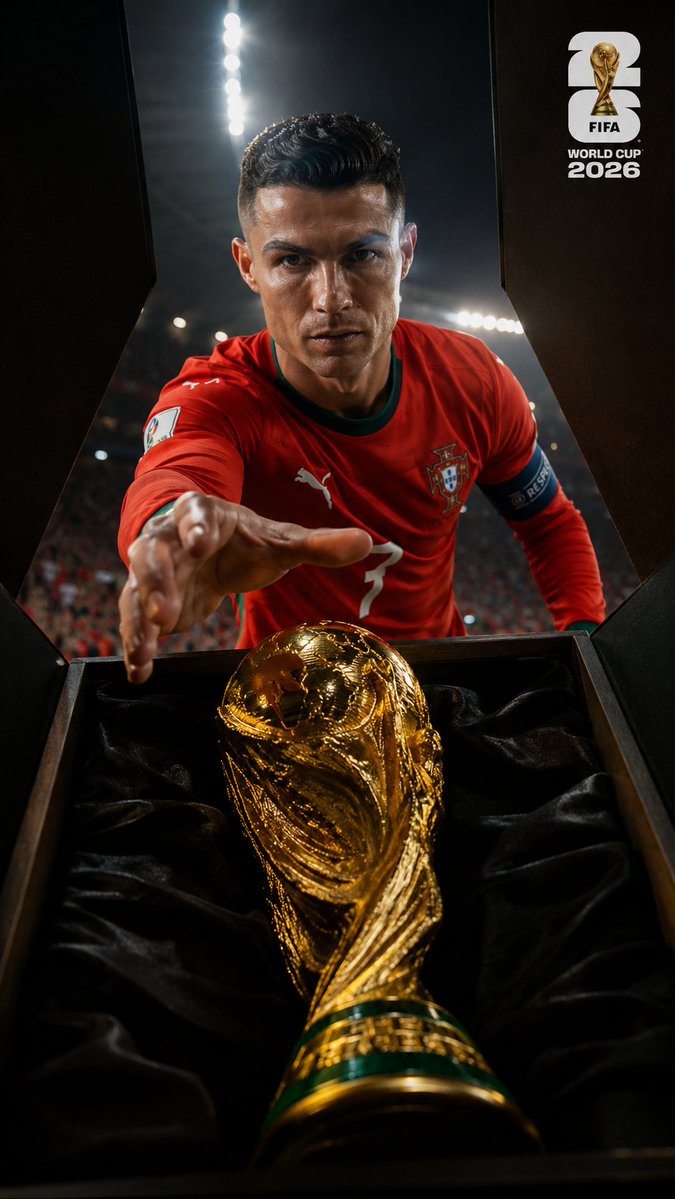
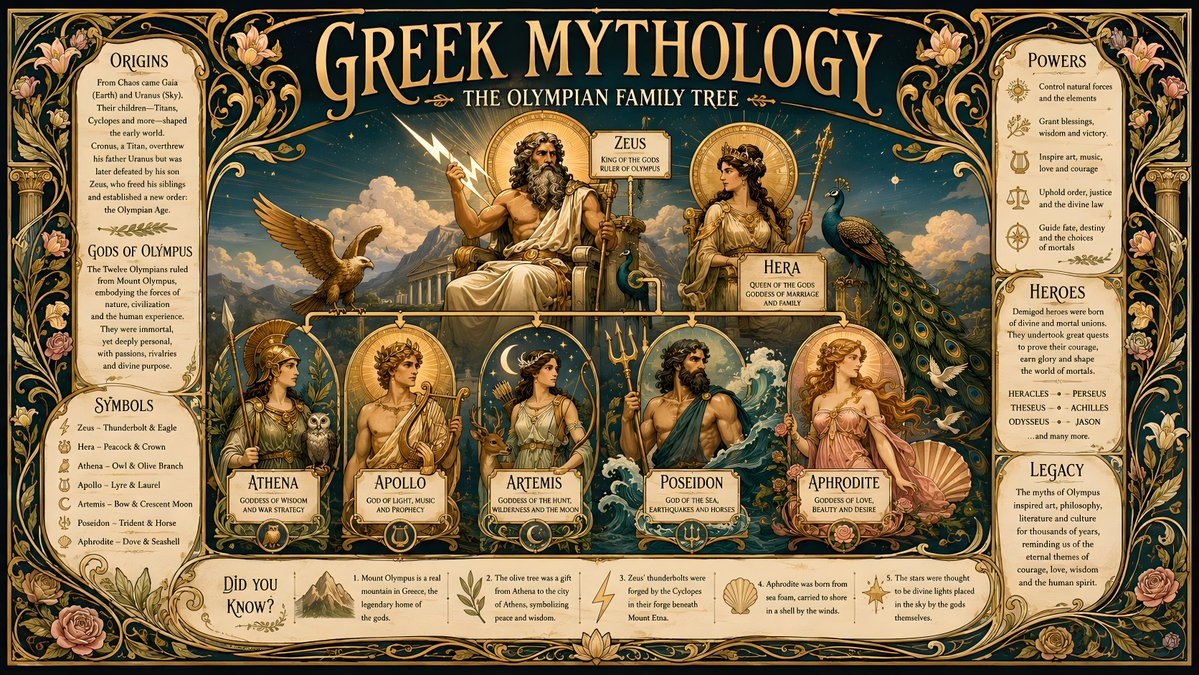
Try these GPT Image 2 prompts
Try these techniques now
Open the free GPT Image 2 generator and put this into practice — 20 free credits, no credit card.